

AI assistants (MCP)
Yahini has an MCP server, so AI assistants that support MCP connectors can work with your projects. You can ask things like “Which keywords in my project have a brief but no draft?” or “Write briefs for the five highest-priority workbook keywords.”
Connect
Section titled “Connect”-
In your AI app, add a custom connector (MCP server) with this URL:
https://app.yahini.io/mcp -
Your app opens Yahini. Sign in if asked.
-
Check the app’s name and choose Allow.
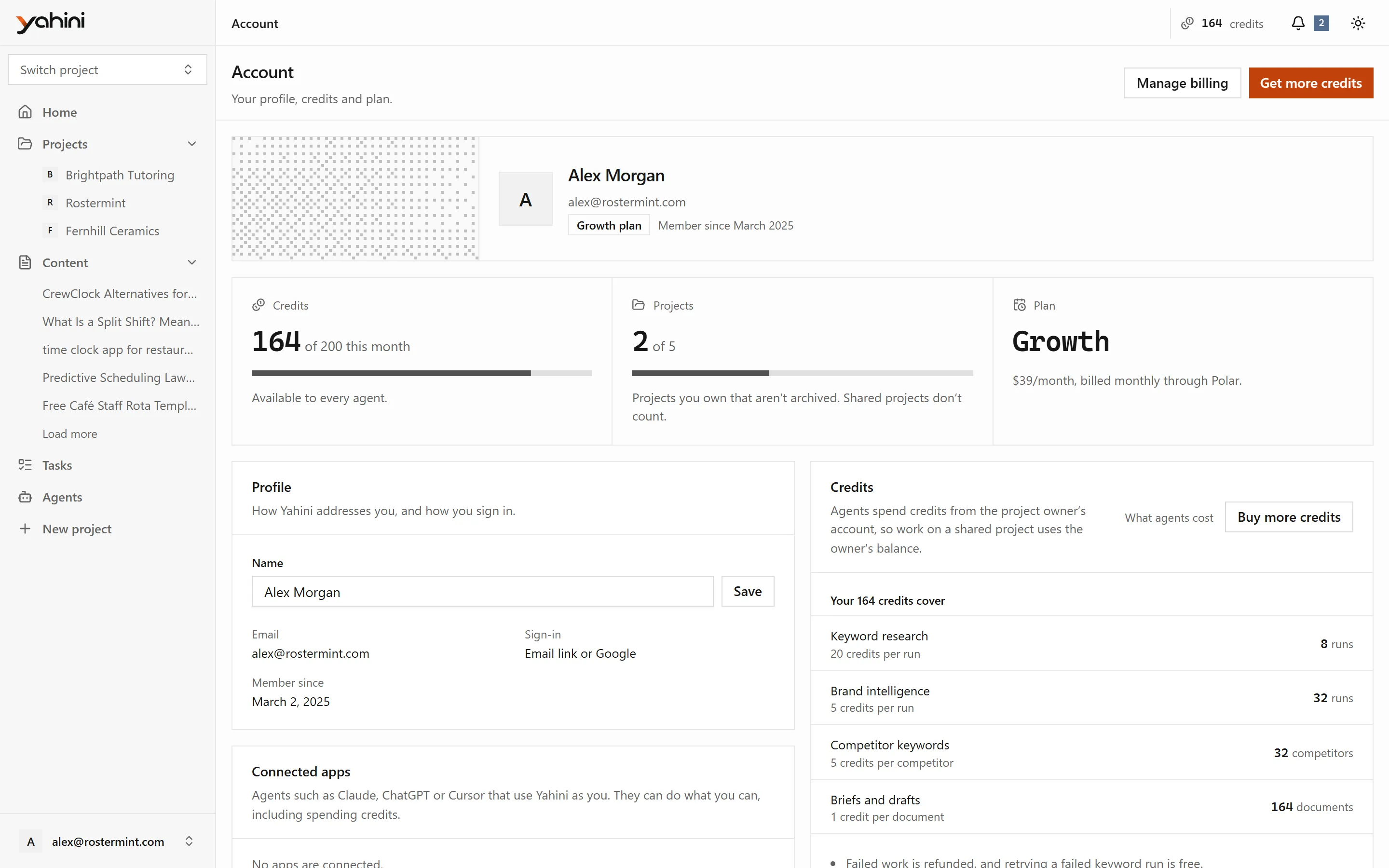
The app now appears under Connected apps on your Account page.
What it can do
Section titled “What it can do”Read
- List projects, keywords, the workbook, tasks and documents.
- Read a project’s details and team, a brief or draft, brand intelligence, Search Console rankings and your account’s plan and credits.
- Follow running work until it finishes.
Act
- Create a project, check or correct the website summary, and start keyword research.
- Add keywords to the workbook or hide them, set their priority or funnel stage, import keywords and fill in missing data.
- Edit tasks: status, due date, description, working title, secondary keywords and assignees.
- Generate and regenerate briefs, drafts and meta tags, and save edits to documents.
- Edit or generate brand intelligence.
- Change competitors, get their keywords and expand topics.
- Link a Search Console property, add its searches and find your keywords.
- Rename, archive and restore projects, and invite team members.
Each tool costs the same credits as the matching action in the app. See Credits and agents.