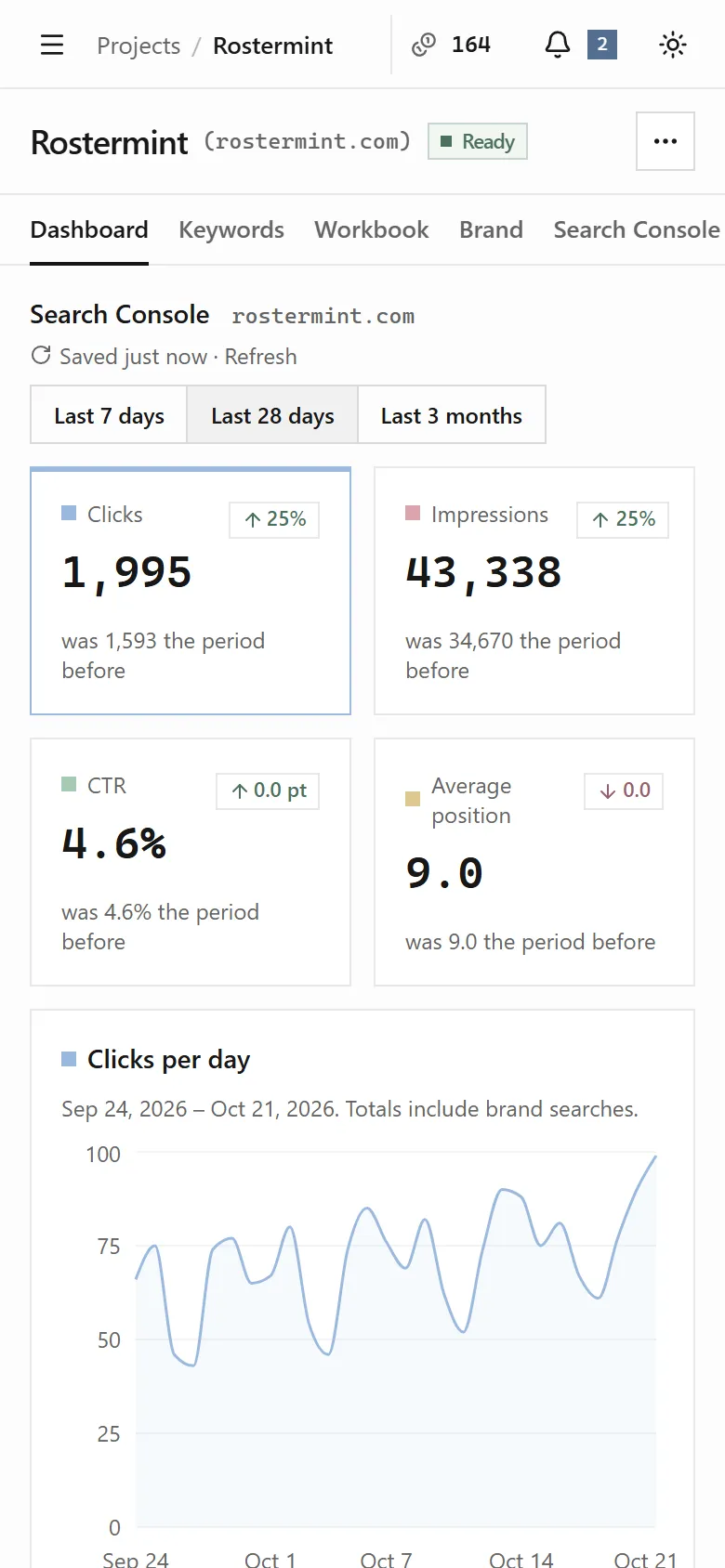

Find your way around
Sidebar
Section titled “Sidebar”| Item | What it’s for |
|---|---|
| Home | What needs you today, across every project. |
| Projects | Every project you own or have access to. Your recent projects are listed underneath. |
| Content | Every brief and draft across your projects. Your recent documents are listed underneath. |
| Tasks | Every workbook task across your projects. |
| Agents | What each agent does and what it costs. |
| New project | Starts a new project. |
Your account menu is at the bottom of the sidebar. It has Account, Plans and credits, Get in touch, Report a bug, Take the tour, the Light, Dark and System appearance options, and Sign out.
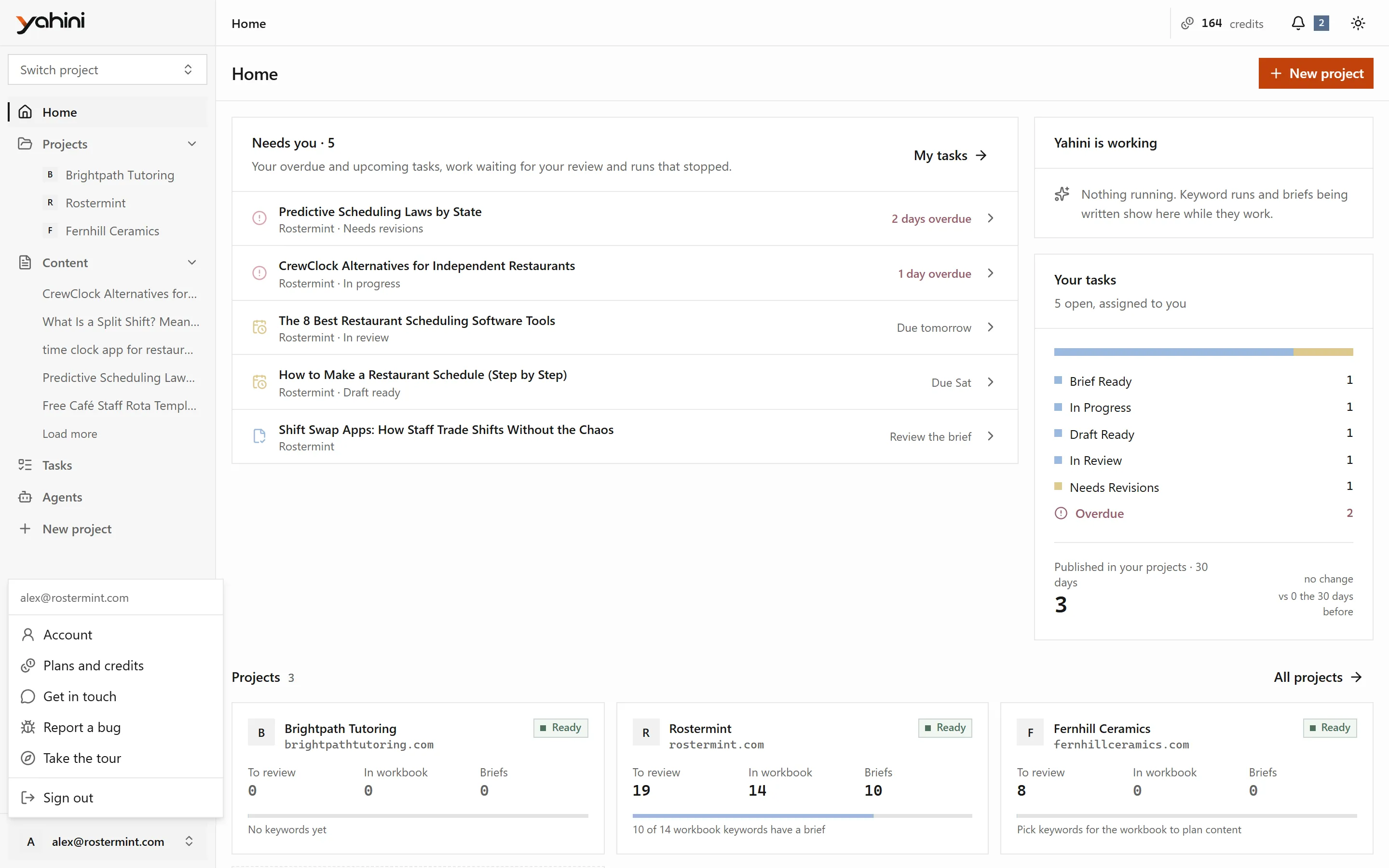
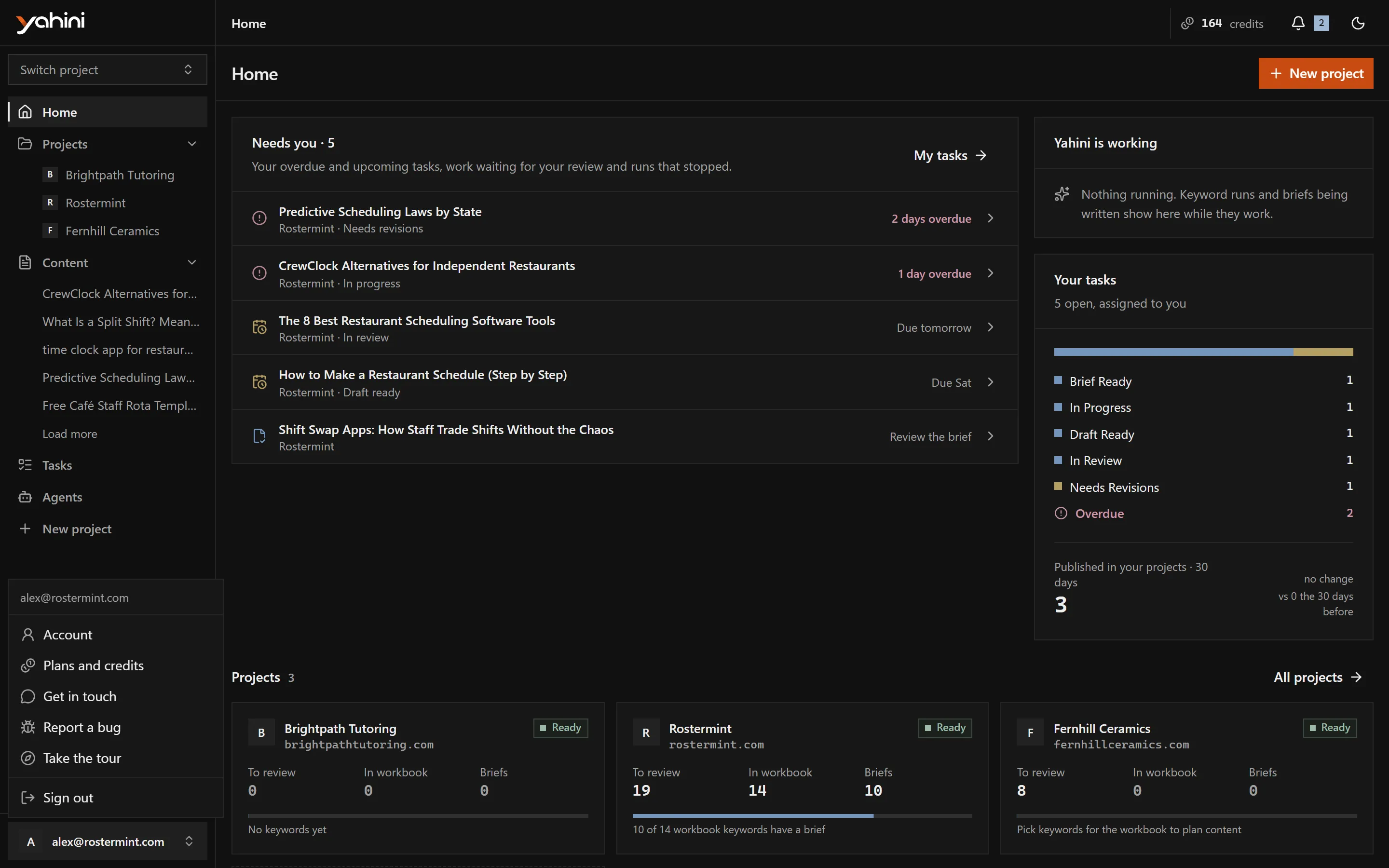
The top bar shows your credit balance, the agents that are currently working and your notifications.
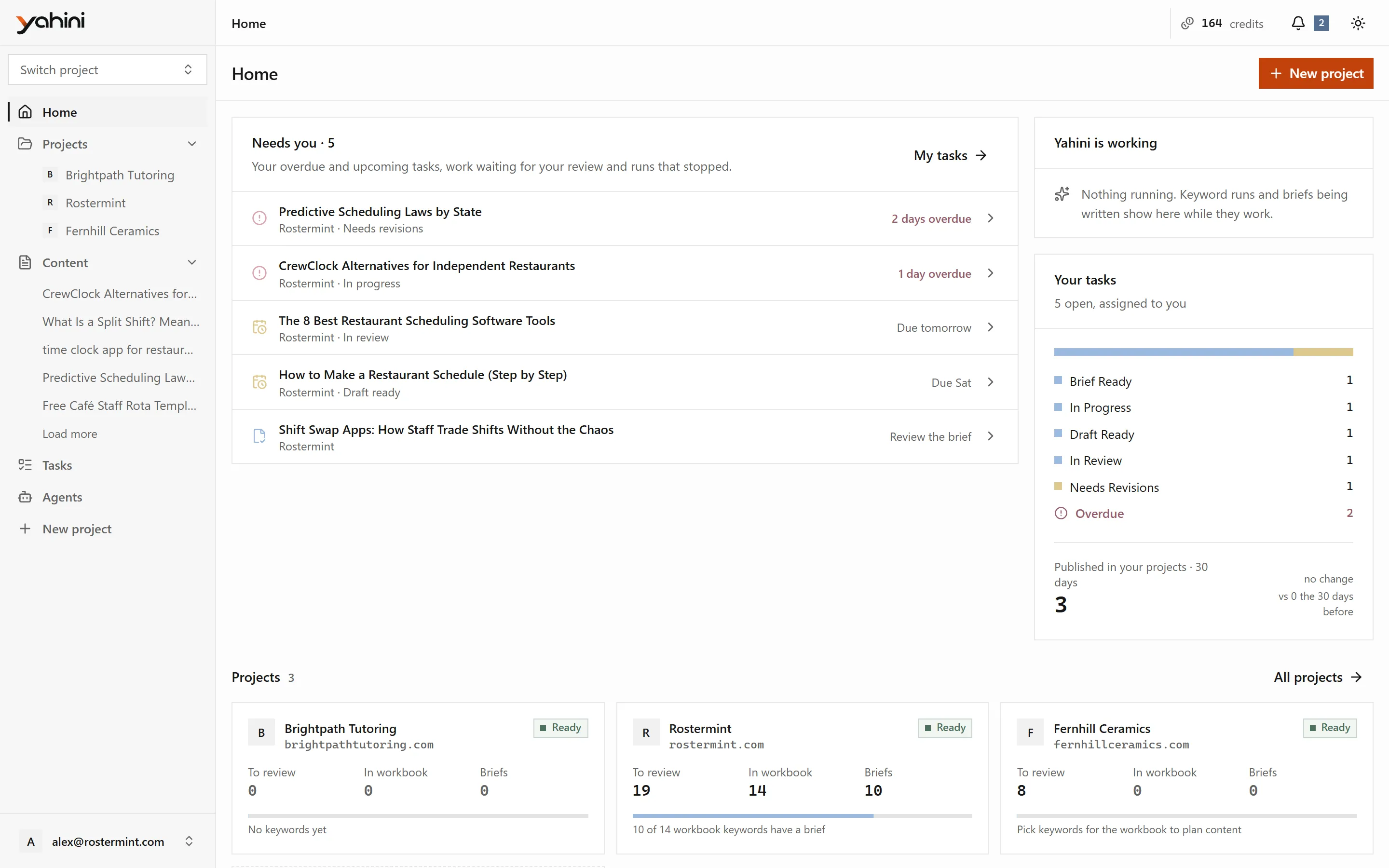
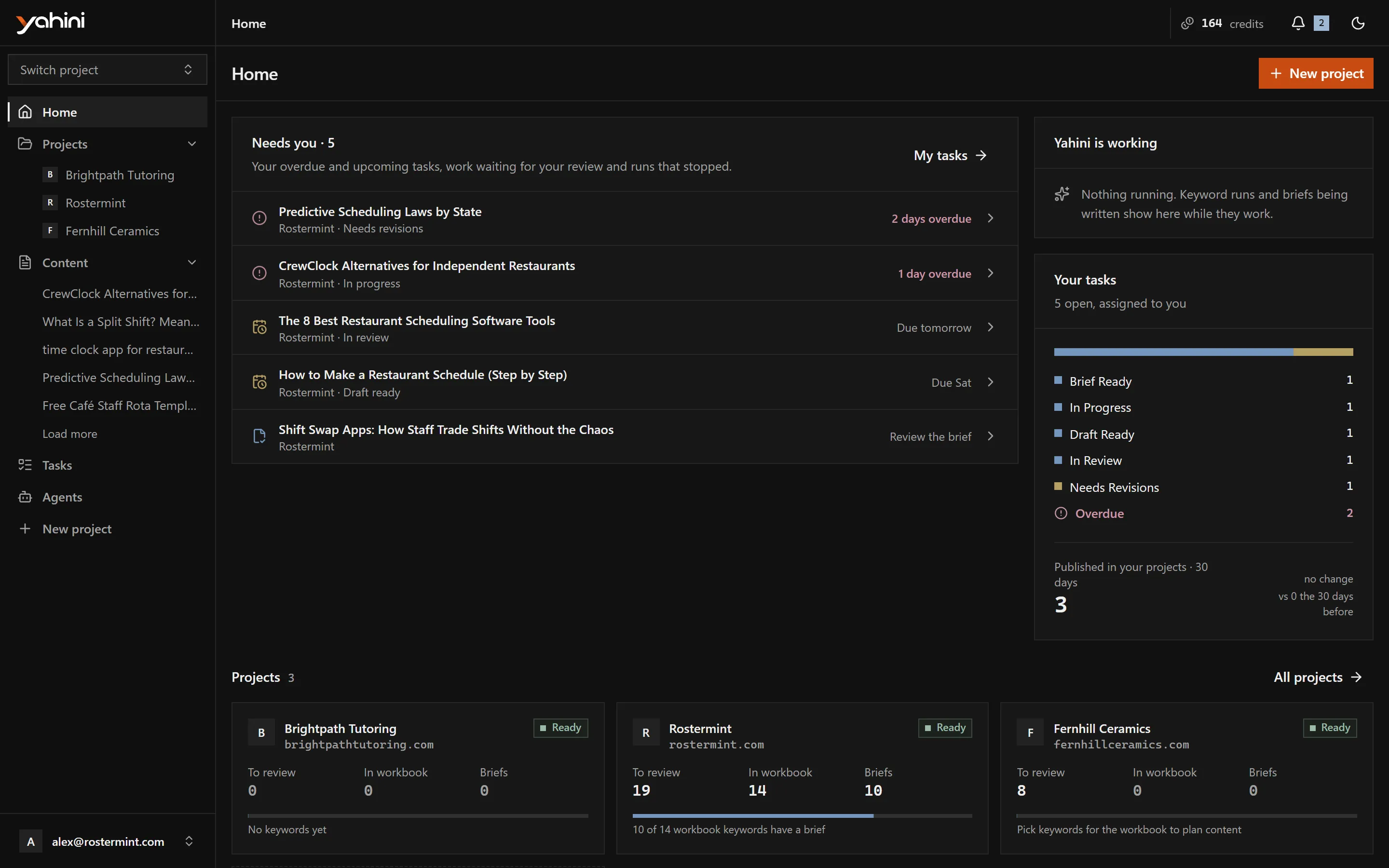
- Needs you: your overdue and upcoming tasks, work waiting for your review and runs that stopped.
- Yahini is working: the agents running right now.
- Your tasks: the open tasks assigned to you.
- Projects: each project’s progress, from keywords to review, to the workbook, to published.
Projects list
Section titled “Projects list”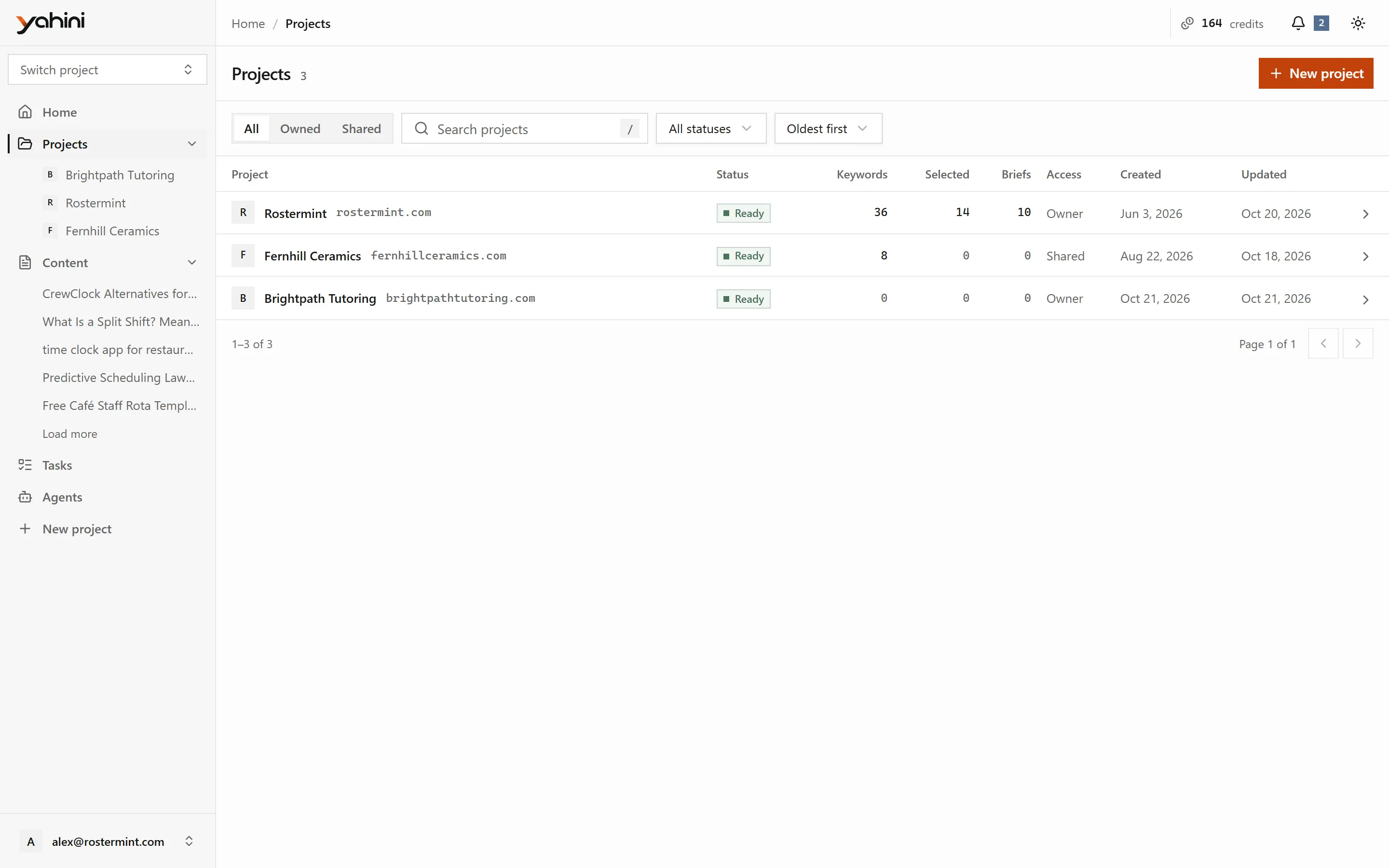
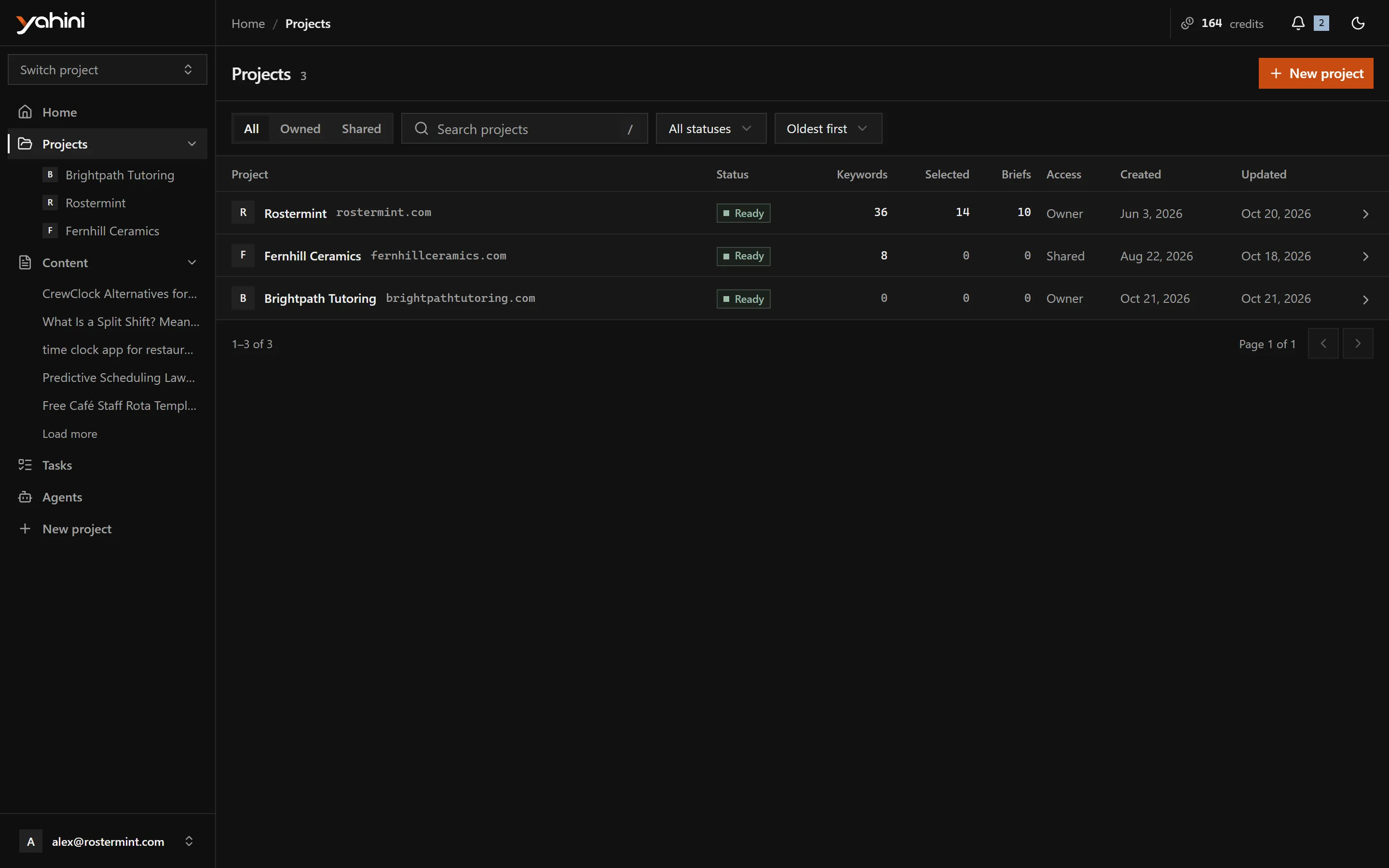
Search, filter by status (Ready, Generating, Needs attention or Archived) or by ownership, and sort by date or name. Select a project to open it.
Inside a project
Section titled “Inside a project”Every project has five tabs:
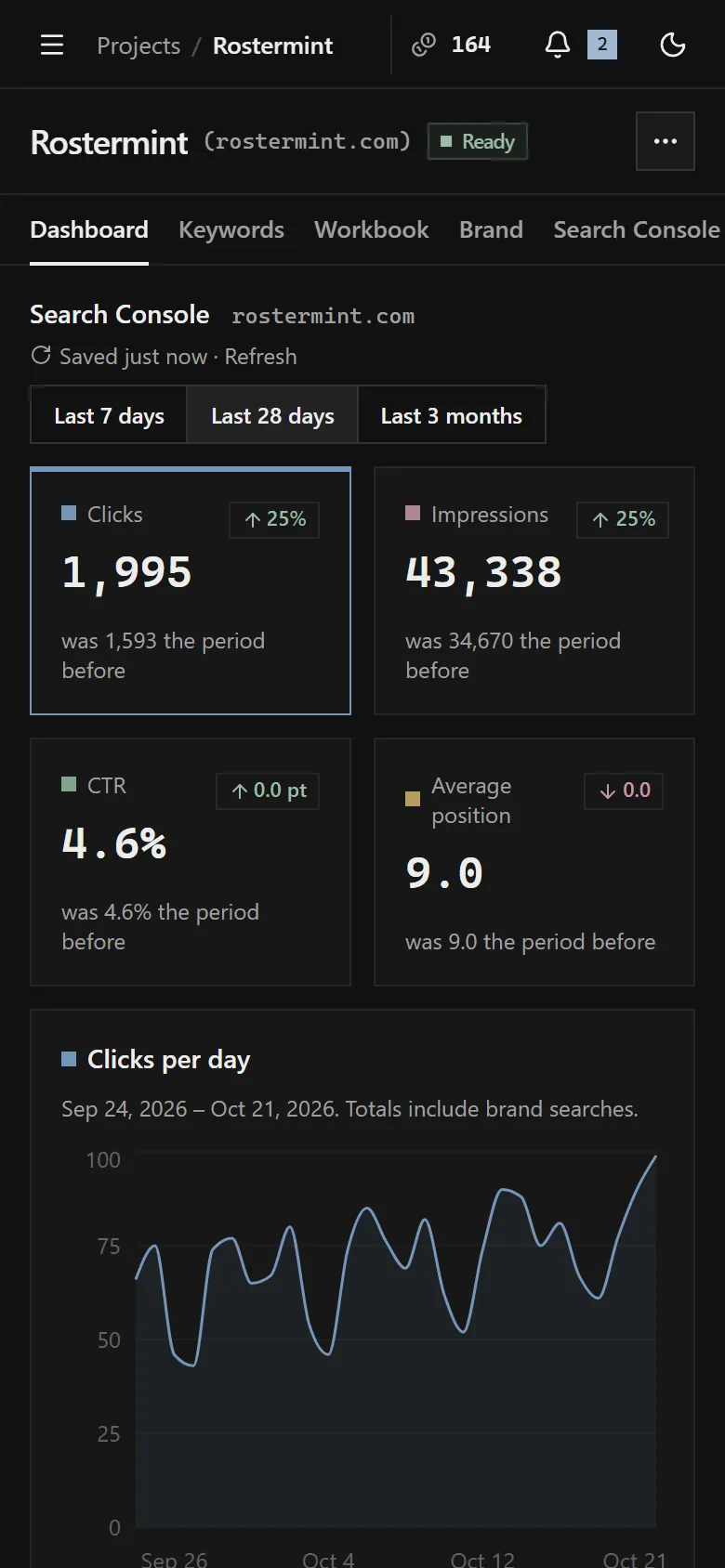
- Dashboard: Search Console totals, workbook progress, upcoming tasks, project details and the team.
- Keywords: the researched keywords.
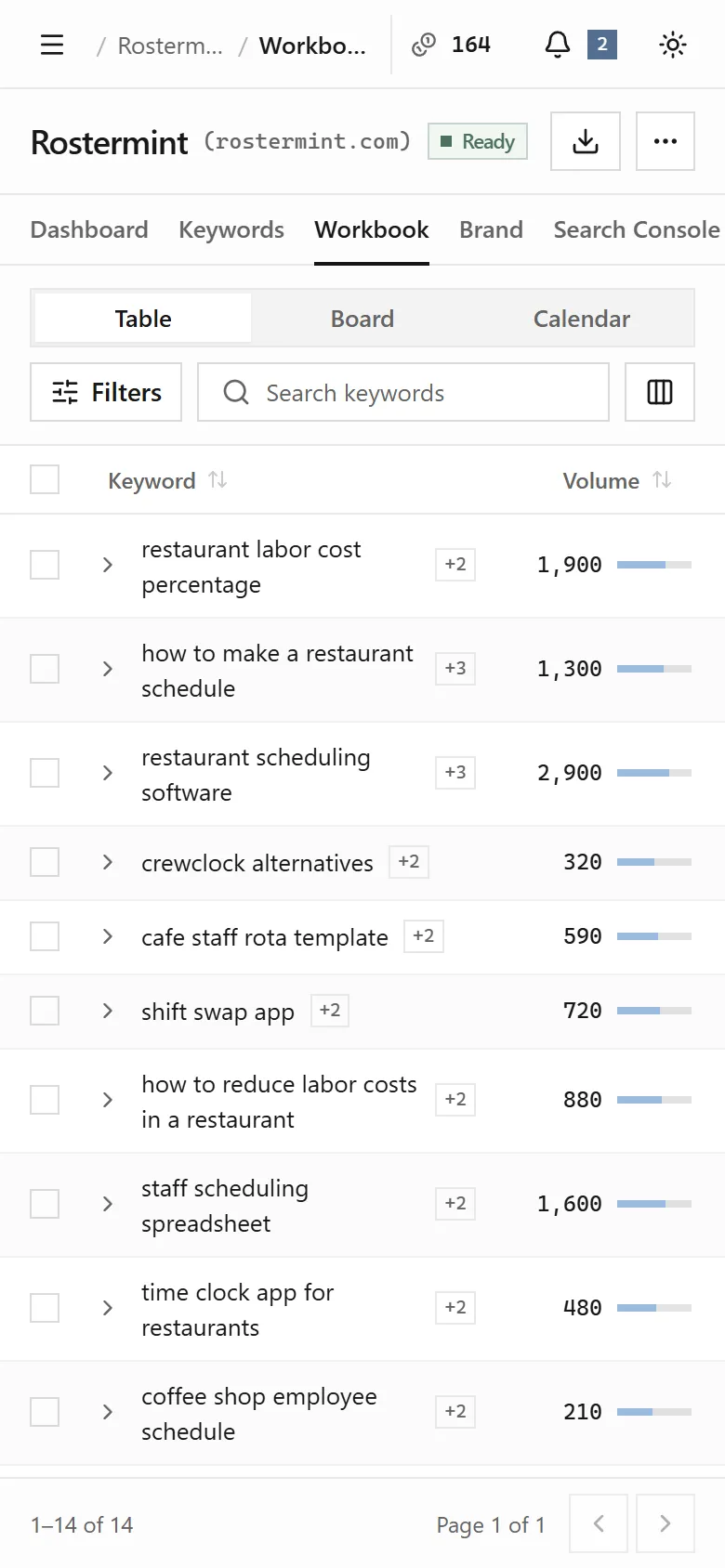
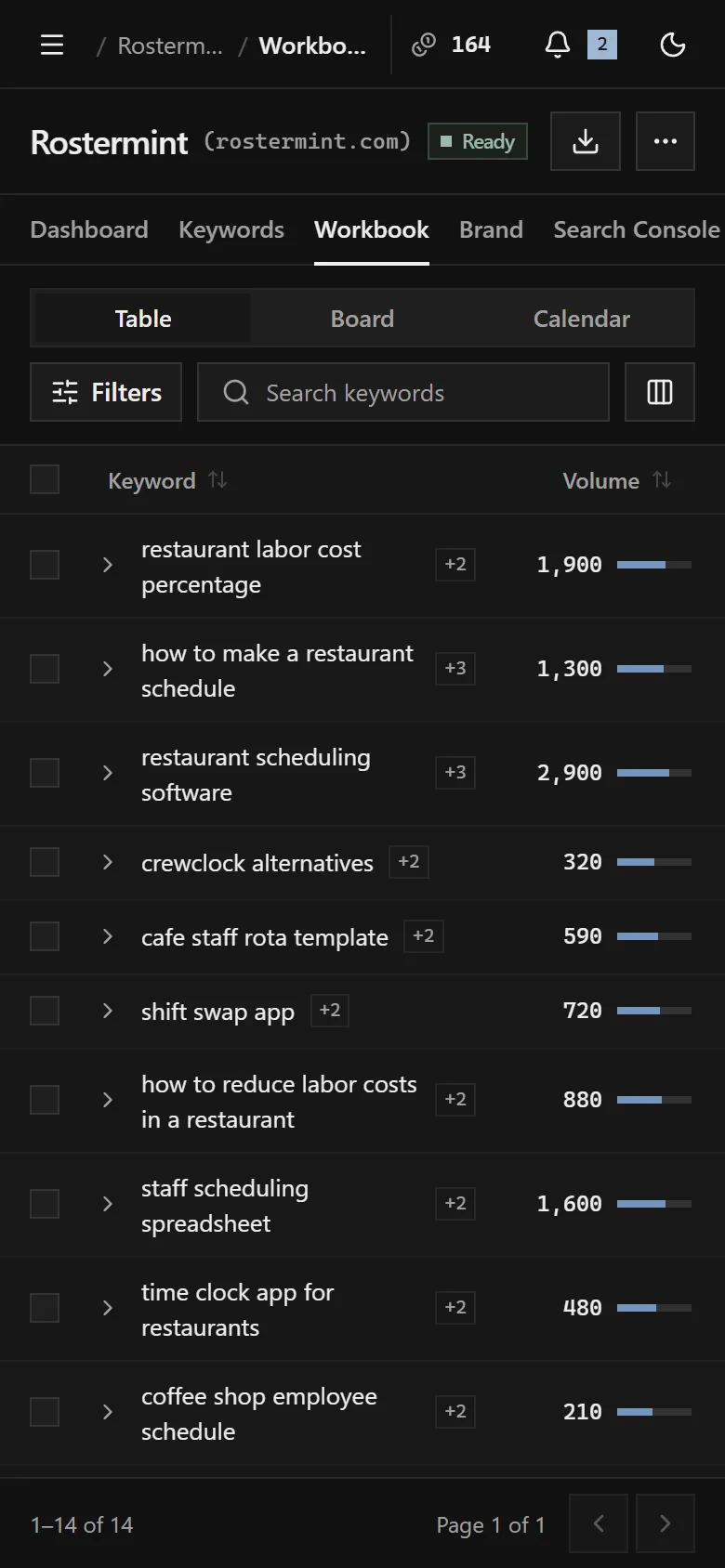
- Workbook: the keywords you chose to write about, as tasks.
- Brand: what Yahini knows about your business.
- Search Console: the searches your site appears for in Google.
The ⋯ menu next to the project name holds the project’s settings: Search Console connection, topics and audience, competitors, topic expansion, renaming and archiving.
Guided tours
Section titled “Guided tours”The first time you open a page, a short tour points out what’s on it. To see it again, choose Take the tour in the account menu.
On your phone
Section titled “On your phone”Yahini works on phones and tablets. The sidebar opens from the menu button in the top bar.