

Account settings
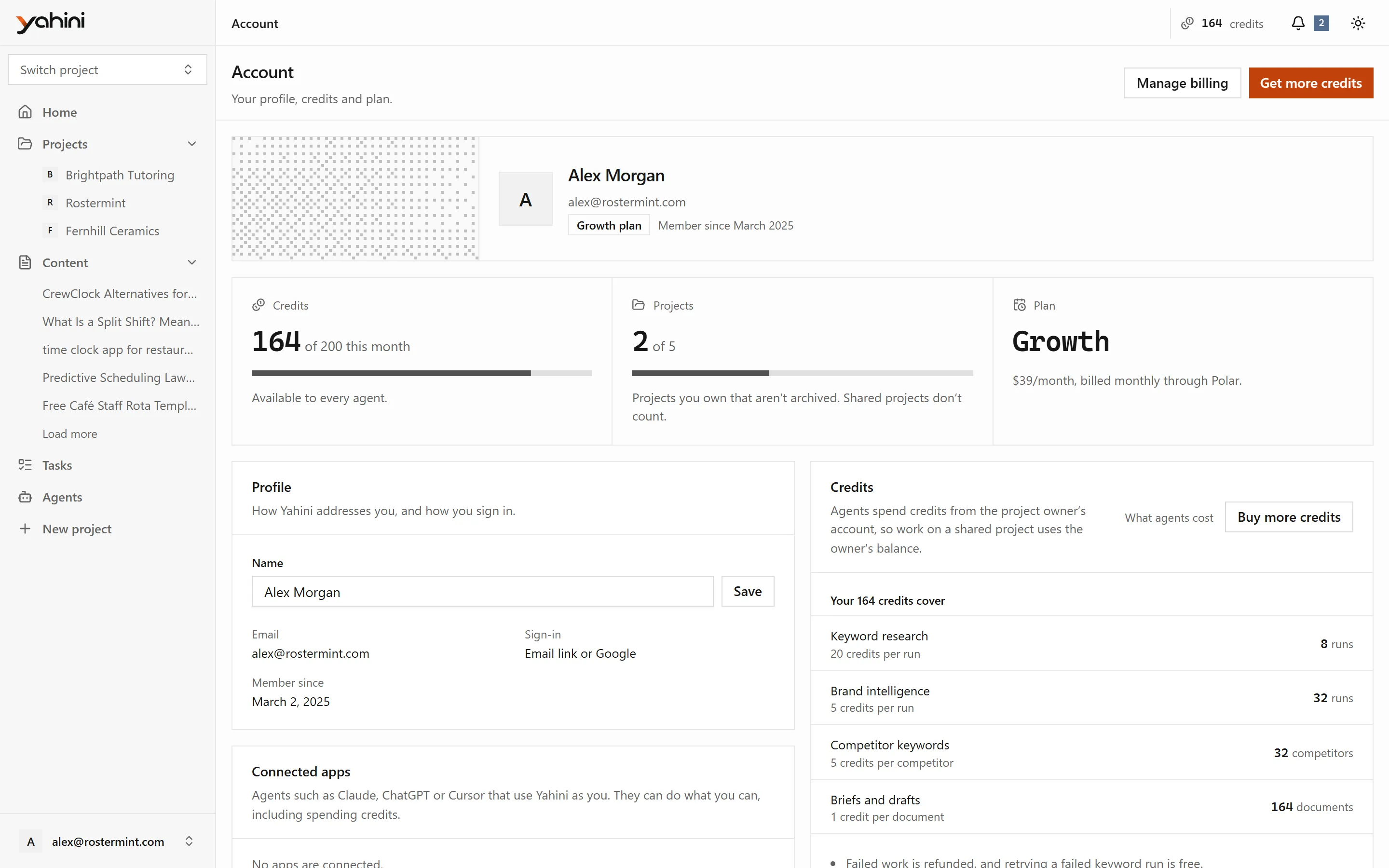
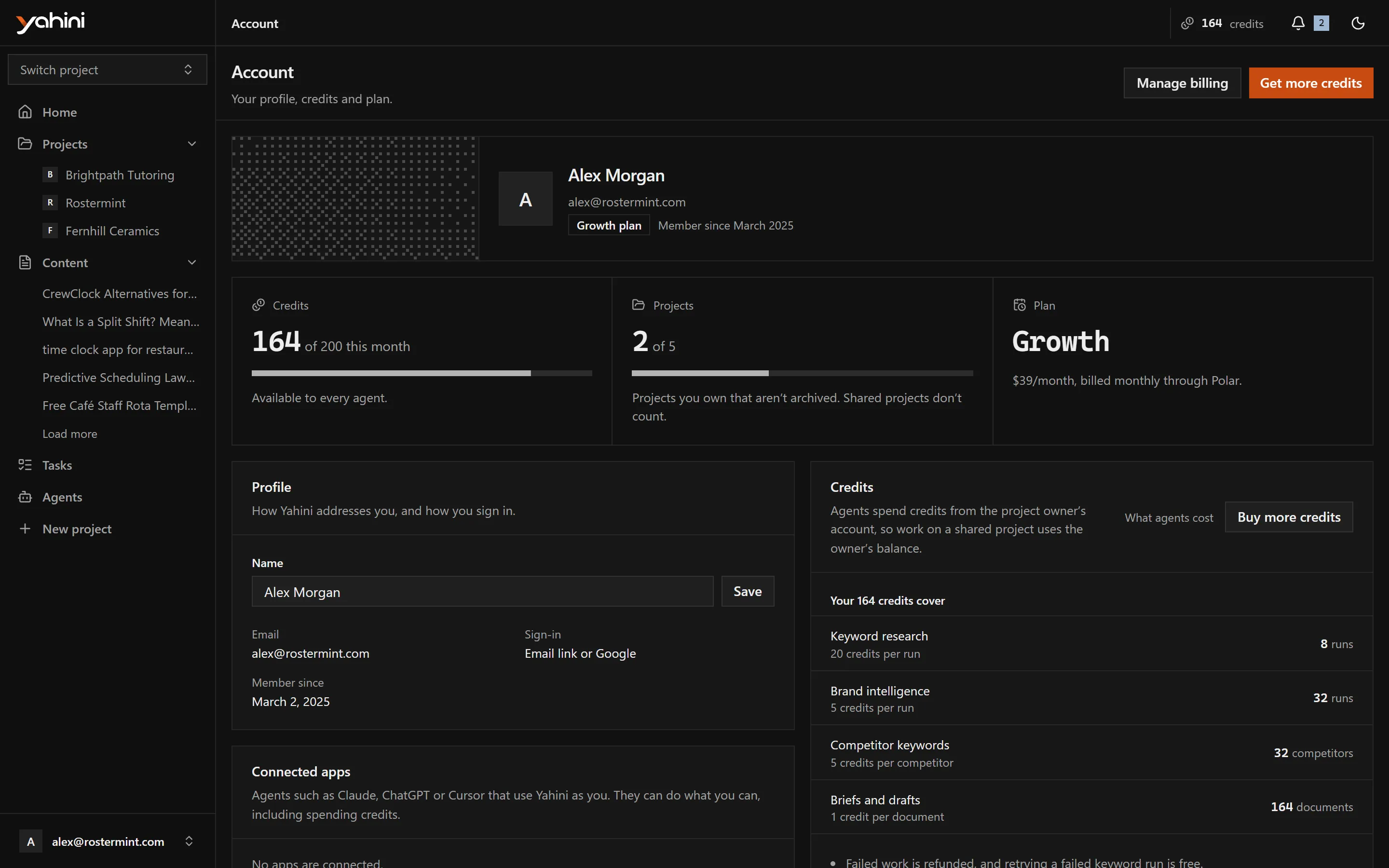
Open Account from the account menu at the bottom of the sidebar. It shows your credits, how many projects you have against your plan’s limit, and your plan.
Profile
Section titled “Profile”Change the name Yahini uses for you. You sign in with an emailed link or with Google.
Appearance
Section titled “Appearance”In the account menu, choose Light, Dark or System. System follows your device’s setting.
Redeem a code
Section titled “Redeem a code”If you have a promo or lifetime-deal code, enter it on the Account page to add its credits to your account.
Connected apps
Section titled “Connected apps”AI assistants such as Claude, ChatGPT or Cursor can use Yahini on your behalf. The Connected apps section lists the apps you’ve connected and shows the server URL to add. See AI assistants (MCP).
Sign out
Section titled “Sign out”Choose Sign out in the account menu.