
Create your account
Sign up
Section titled “Sign up”-
Go to app.yahini.io and choose Create an account.
-
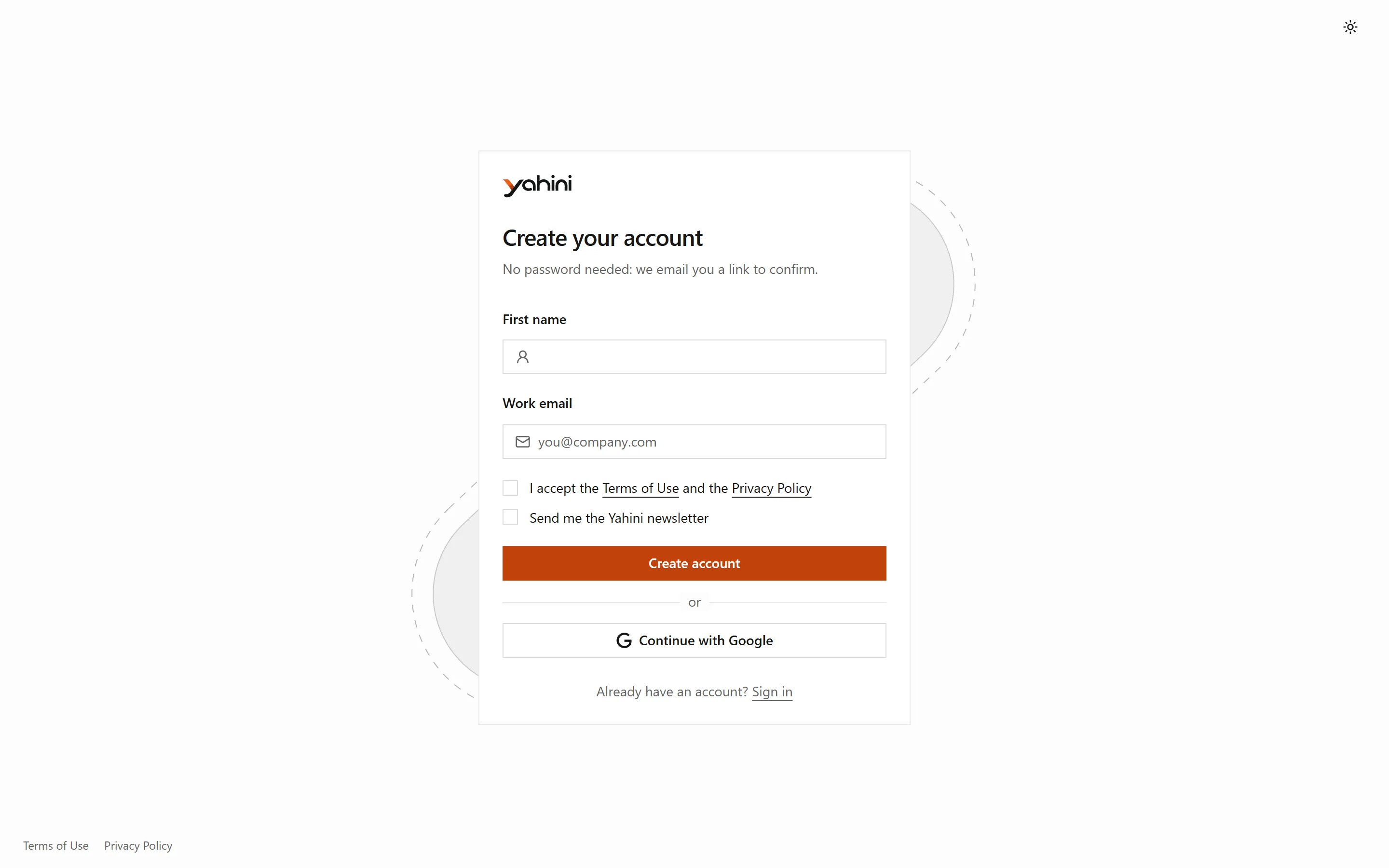
Enter your first name and work email, and accept the Terms of Use and Privacy Policy. You can also continue with Google.
-
Open the email Yahini sends you and click the link to confirm your address. There’s no password to choose: from now on you sign in with an emailed link or with Google.
-
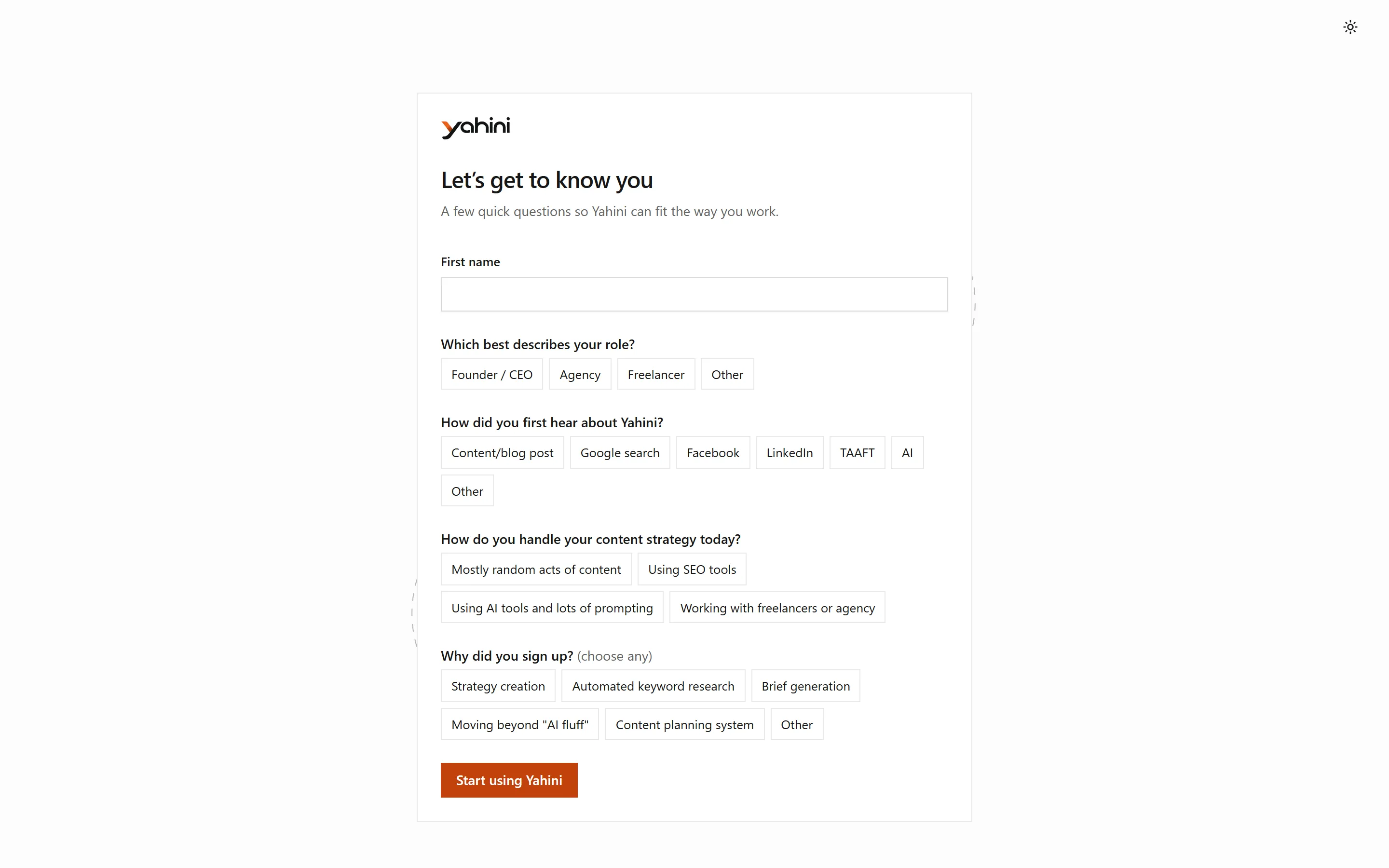
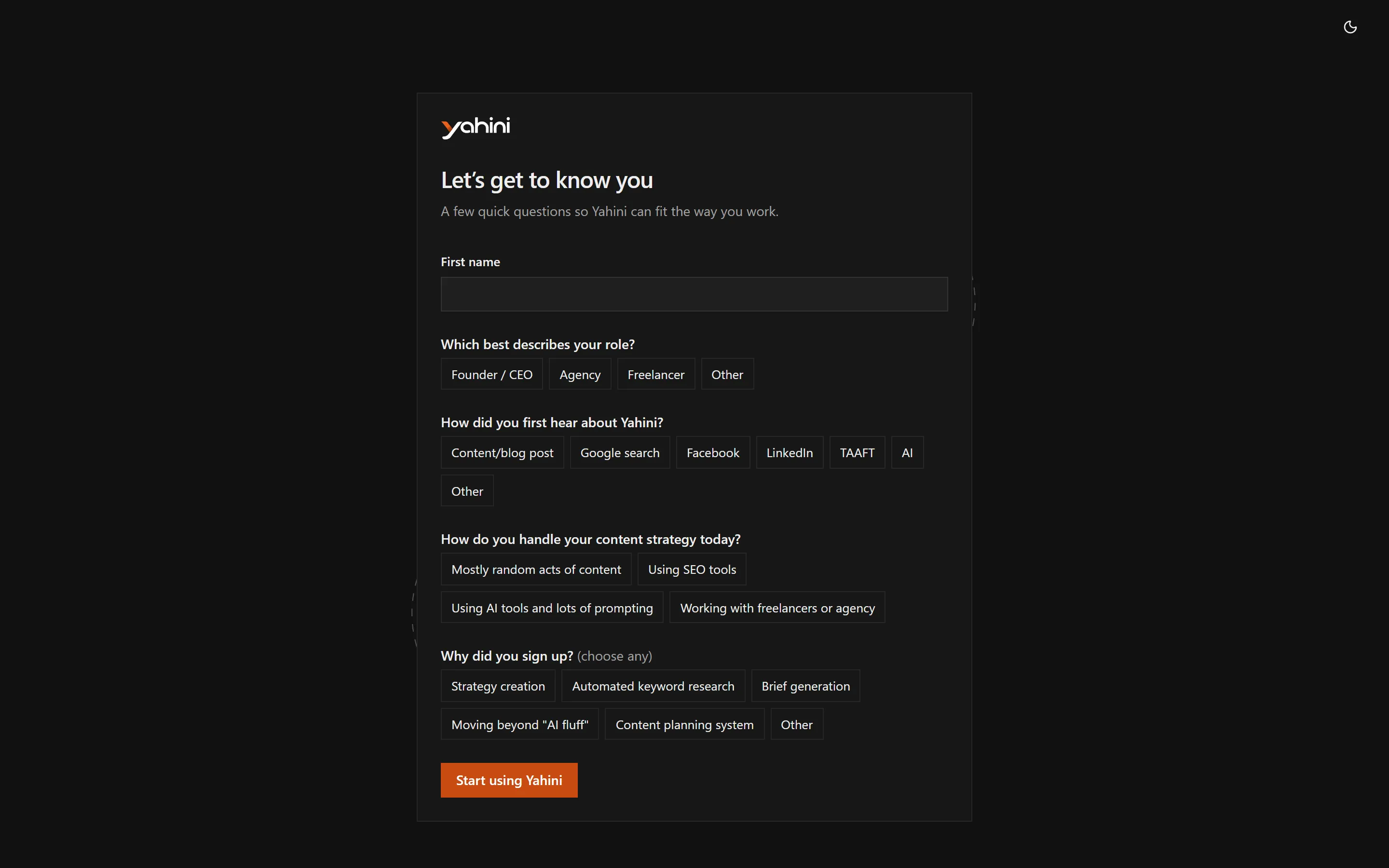
Answer the four short welcome questions: your role, how you heard about Yahini, how you handle content strategy today and why you signed up.
Start your free trial
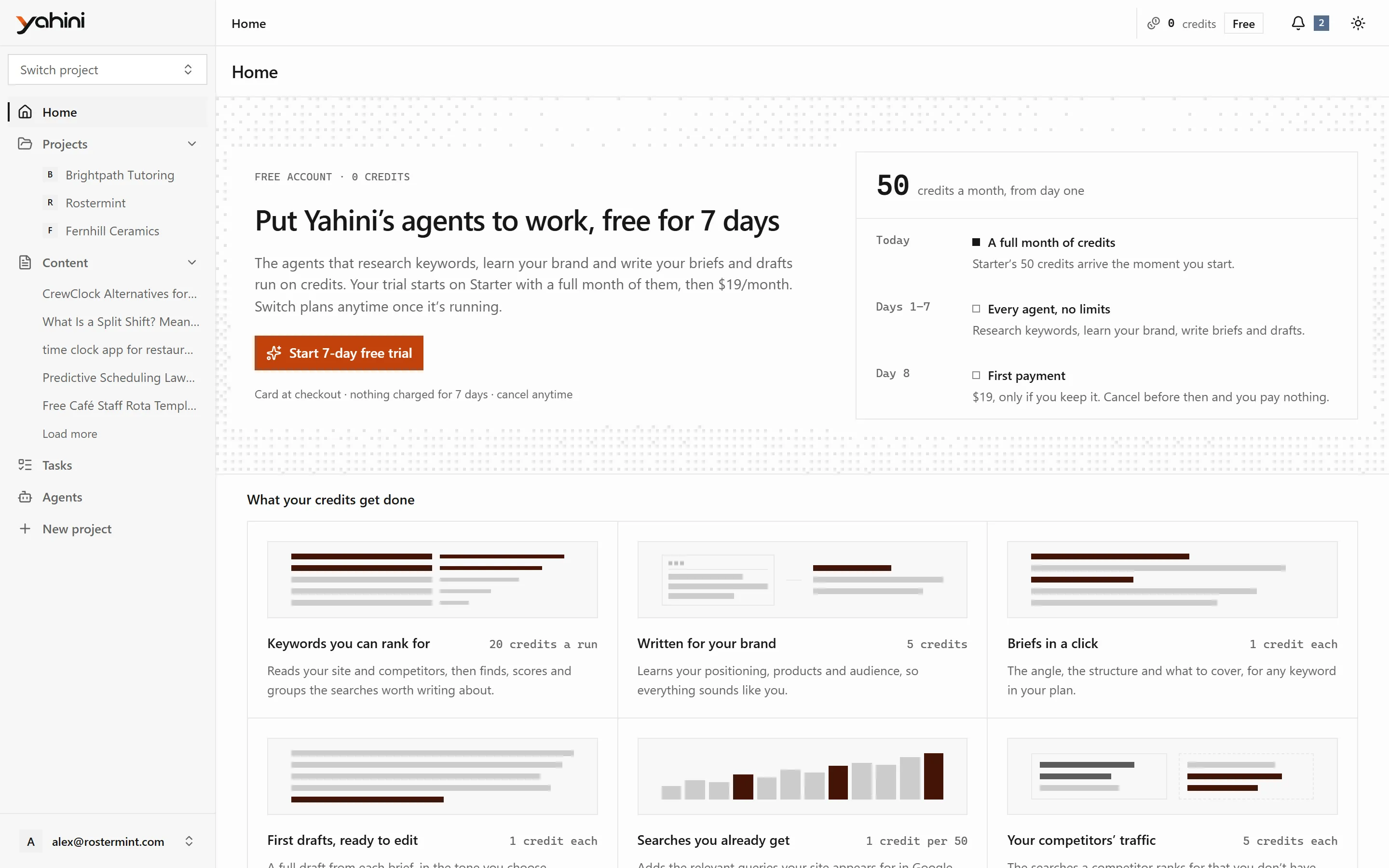
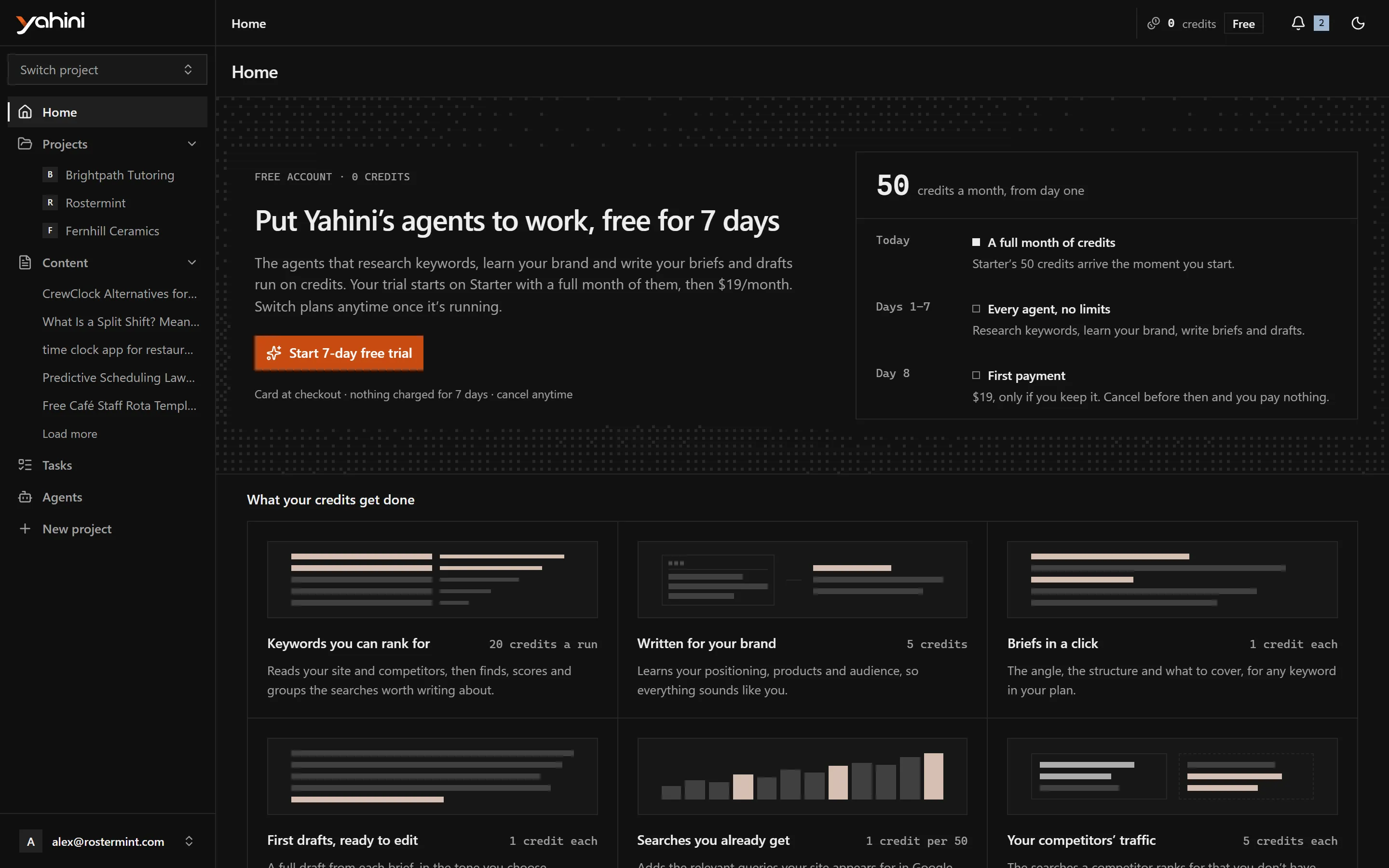
Section titled “Start your free trial”Agents run on credits, and a free account has none. So the first thing Yahini asks a new account to do is start a trial.
- The trial lasts 7 days and starts on the Starter plan, billed monthly.
- You enter a card at checkout, but nothing is charged until the trial ends.
- You get the plan’s full monthly credits straight away.
- Cancel before the trial ends and you pay nothing.
You can switch plans once the trial starts. See Plans and billing.
Sign in
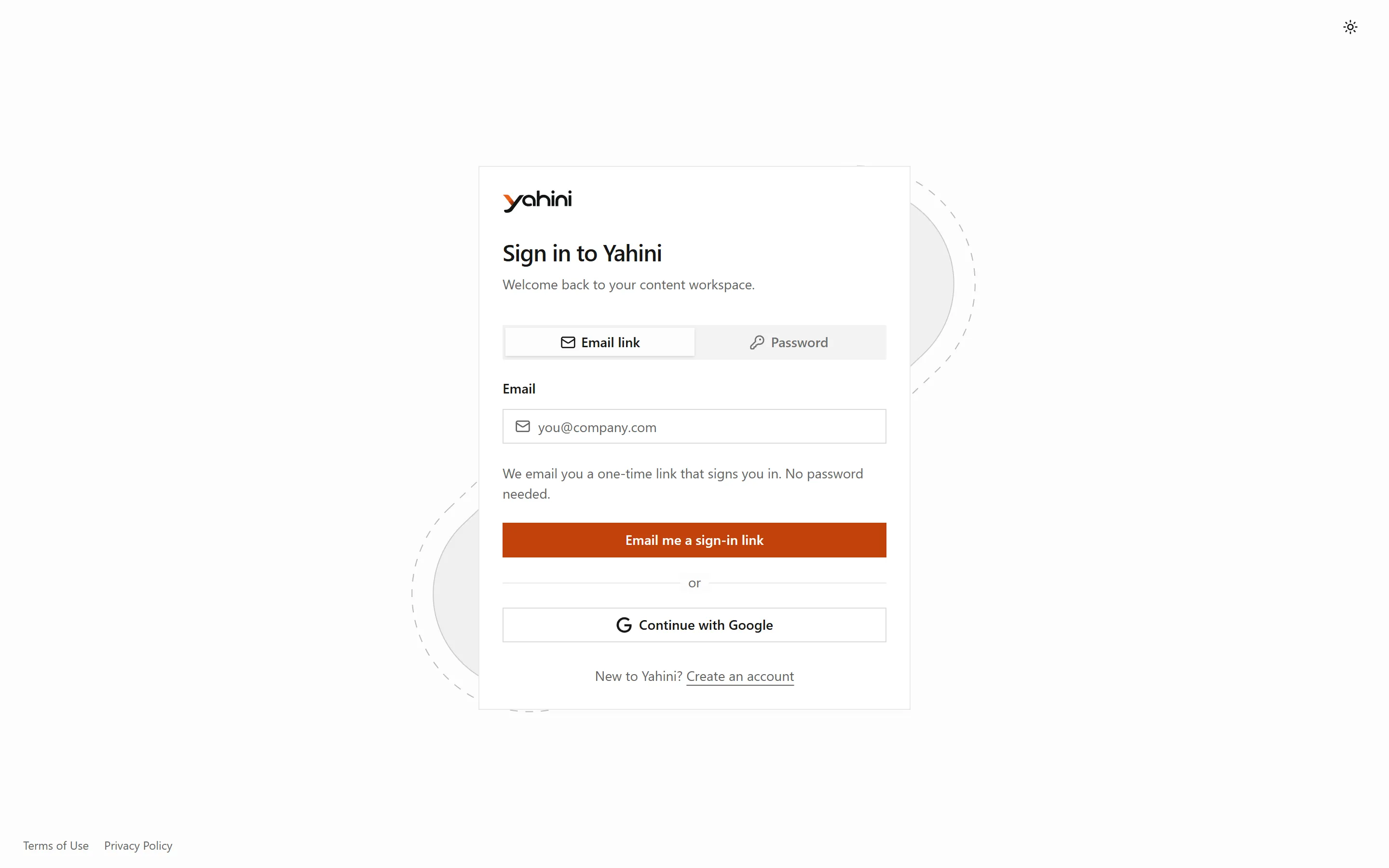
Section titled “Sign in”On the sign-in page, enter your email and choose Email me a sign-in link, or sign in with Google. If your account was created with a password, you can still sign in with it.