

Teams and roles
Every project has a team. When you create a project, you become its admin.
| Viewer | Editor | Admin | |
|---|---|---|---|
| See the project, keywords, workbook, briefs and drafts | ✓ | ✓ | ✓ |
| Be assigned tasks | ✓ | ✓ | ✓ |
| Edit tasks, keywords, documents and brand intelligence | ✓ | ✓ | |
| Run agents (keyword research, briefs, drafts and more) | ✓ | ✓ | |
| Change competitors, topics and audience | ✓ | ✓ | |
| Invite members | ✓ | ||
| Archive and restore the project | ✓ |
The project owner can do everything, and is the only one who can connect Search Console.
Agents that team members run spend the owner’s credits. See Credits and agents.
Invite someone
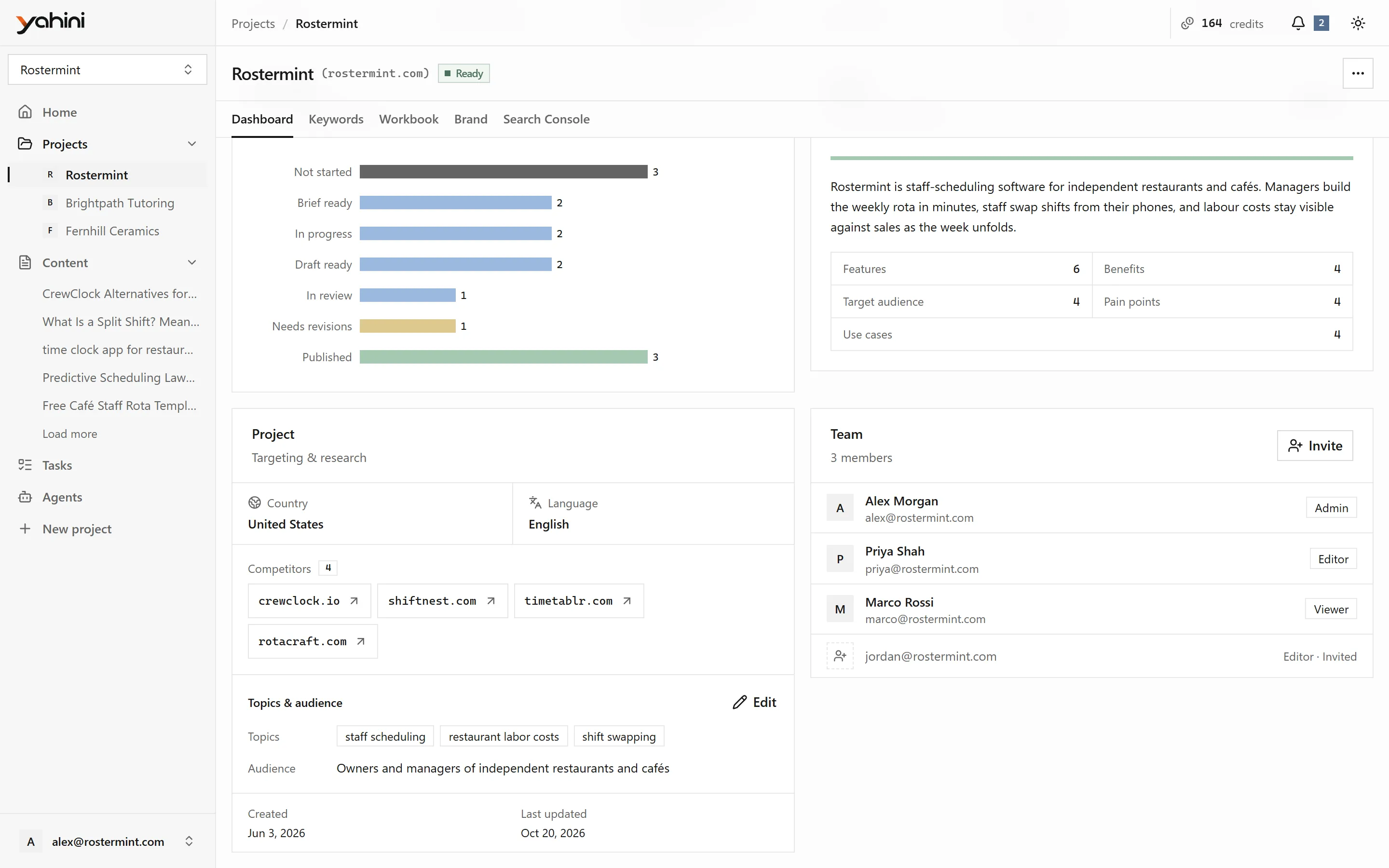
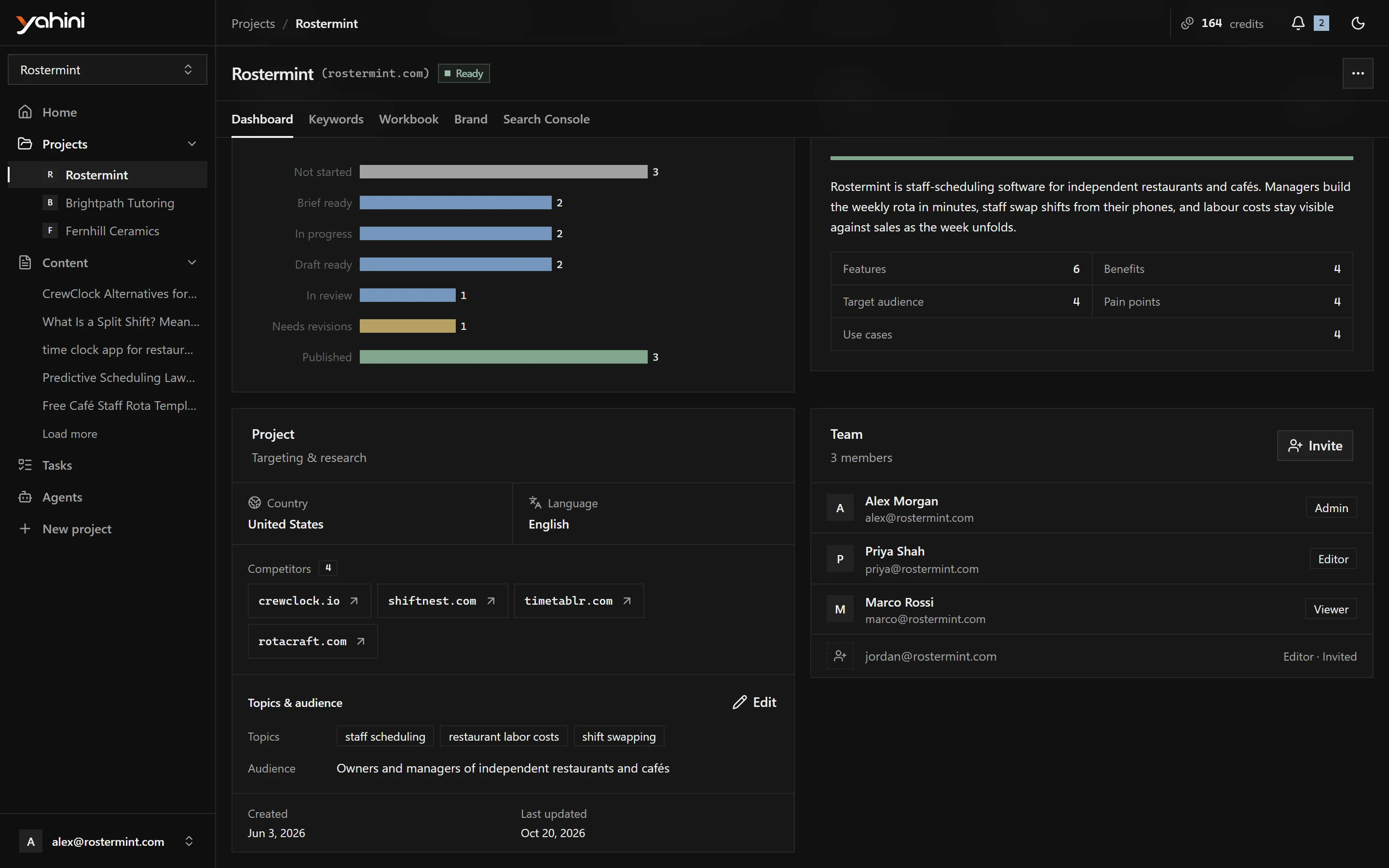
Section titled “Invite someone”- Open the project’s Dashboard.
- In the Team card, choose Invite to the team.
- Enter their email address, pick a role and send.
They get an email with a link. Invitations are valid for 7 days. Pending invitations show in the Team card as Invited, or Expired once they lapse. To invite someone again, send a new invitation.
Accept an invitation
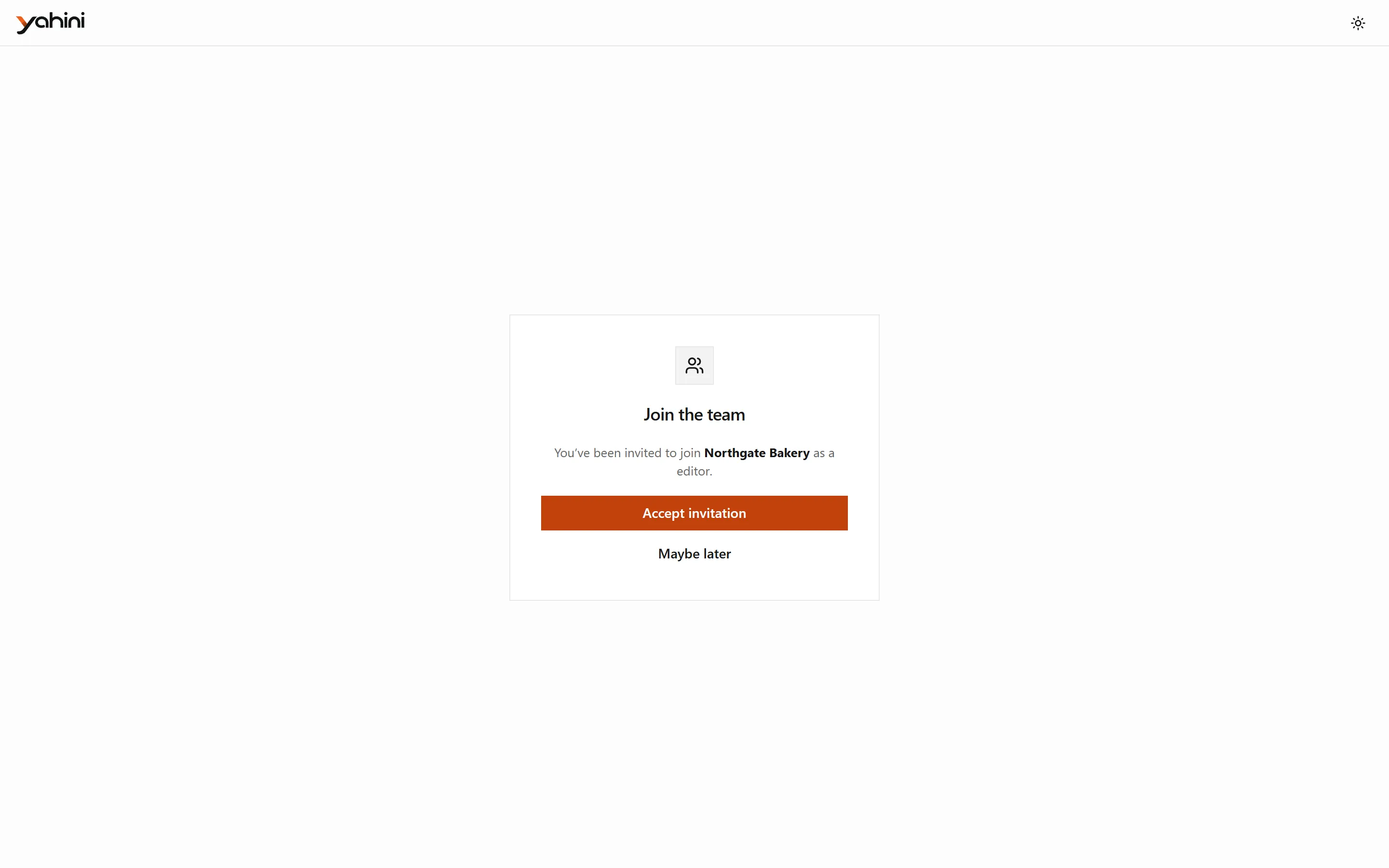
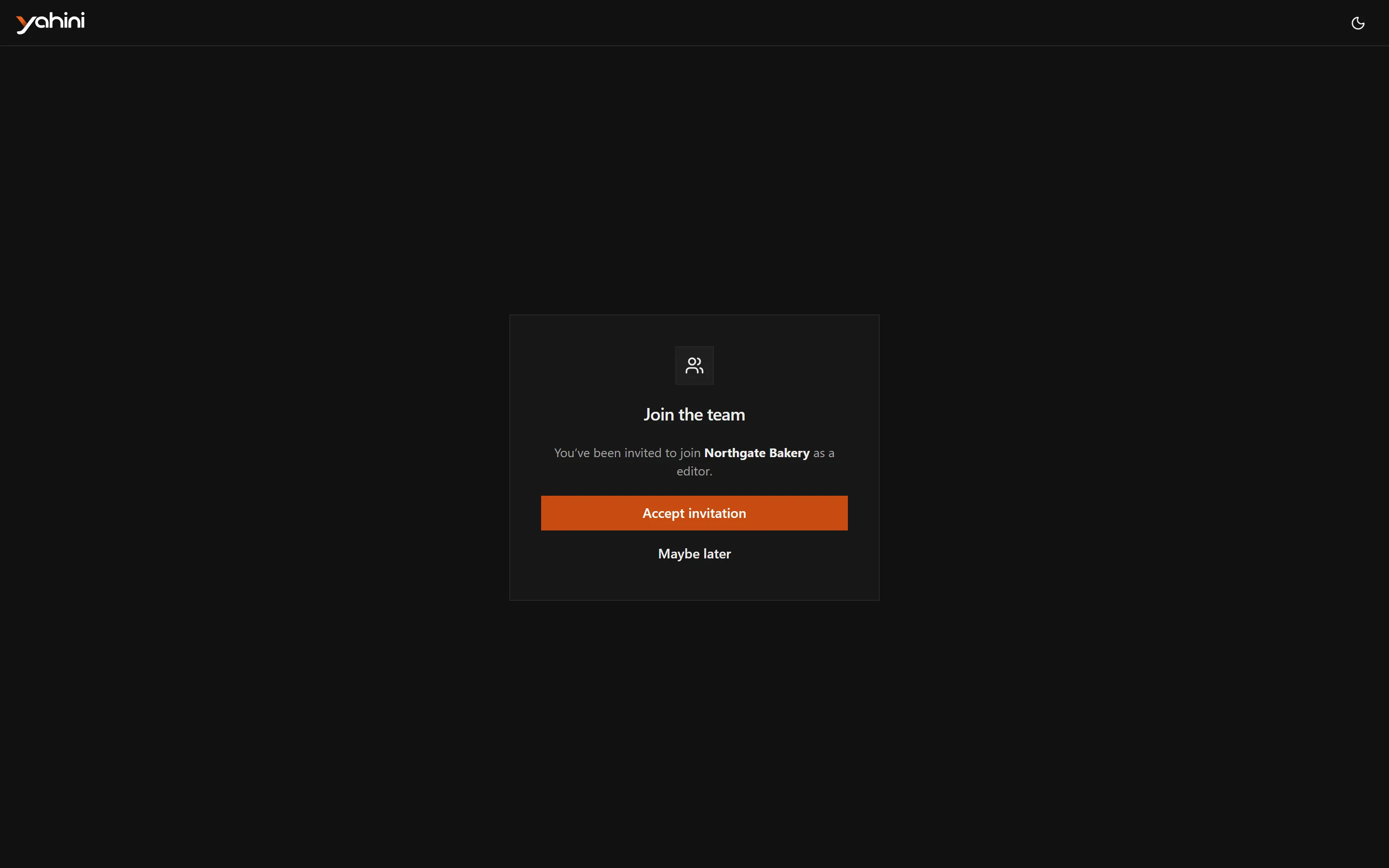
Section titled “Accept an invitation”Open the link in the invitation email. Sign in, or create an account with the email the invitation was sent to, then choose Accept invitation. The project appears in your Projects list.
Shared projects don’t count toward your own plan’s project limit.