

Briefs and drafts
For each workbook keyword, Yahini writes two documents:
- the brief, which plans the piece: its angle, outline, title, meta description and target length;
- the draft, the article written from the brief.
Both use your brand intelligence, so they’re written for your business.
Generate a brief
Section titled “Generate a brief”- Open a task in the workbook.
- Choose Generate brief · 1 credit.
The task shows Writing the brief… while Yahini works. You can keep browsing. When it’s done, the task moves to Brief ready and Open brief appears.
Generate a draft
Section titled “Generate a draft”- Open the task, or the brief.
- Choose Generate draft, pick a tone of voice and confirm. This costs 1 credit.
The tones are informal (the default), formal, professional, casual, friendly and authoritative. When the draft is done, the task moves to Draft ready.
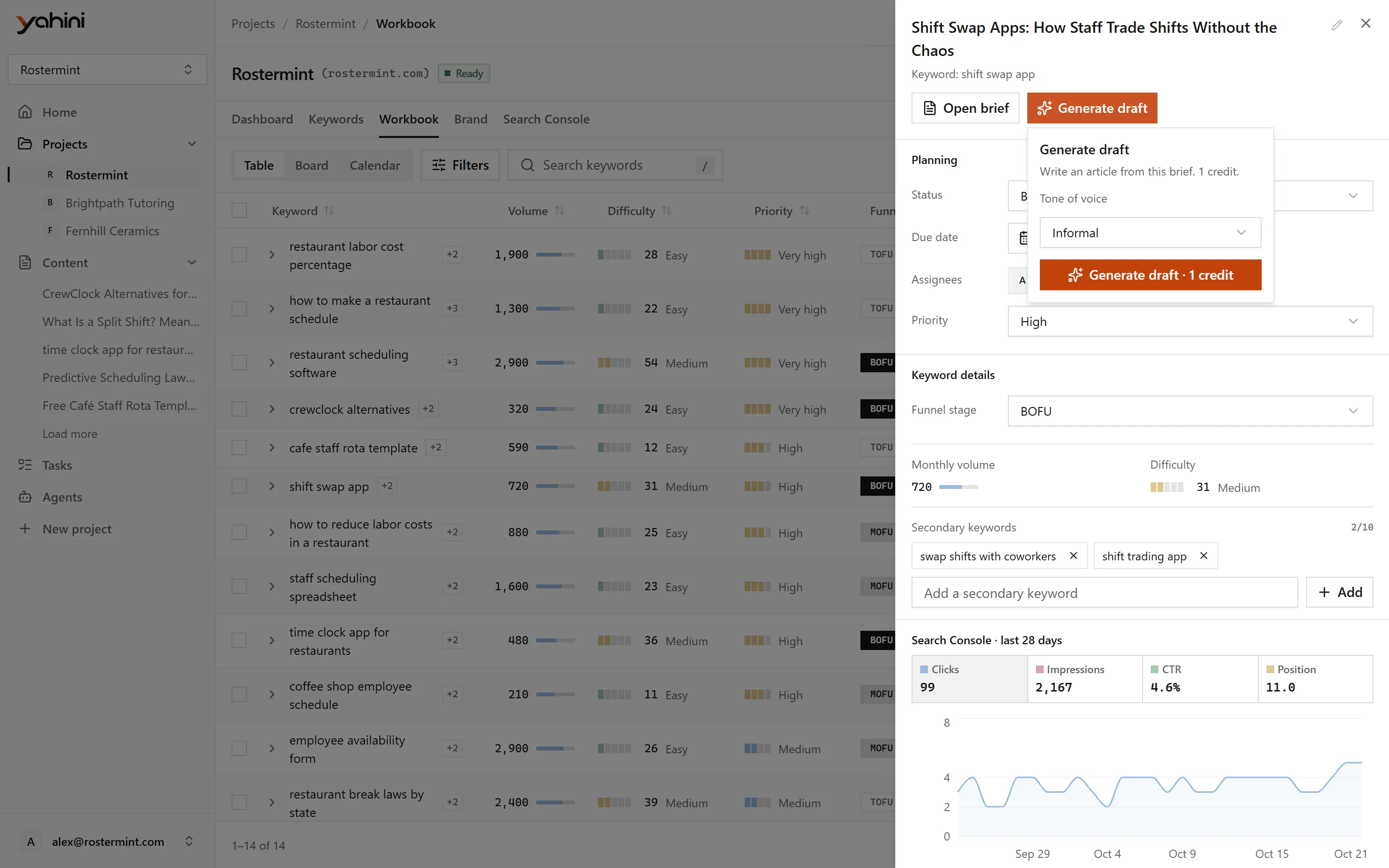
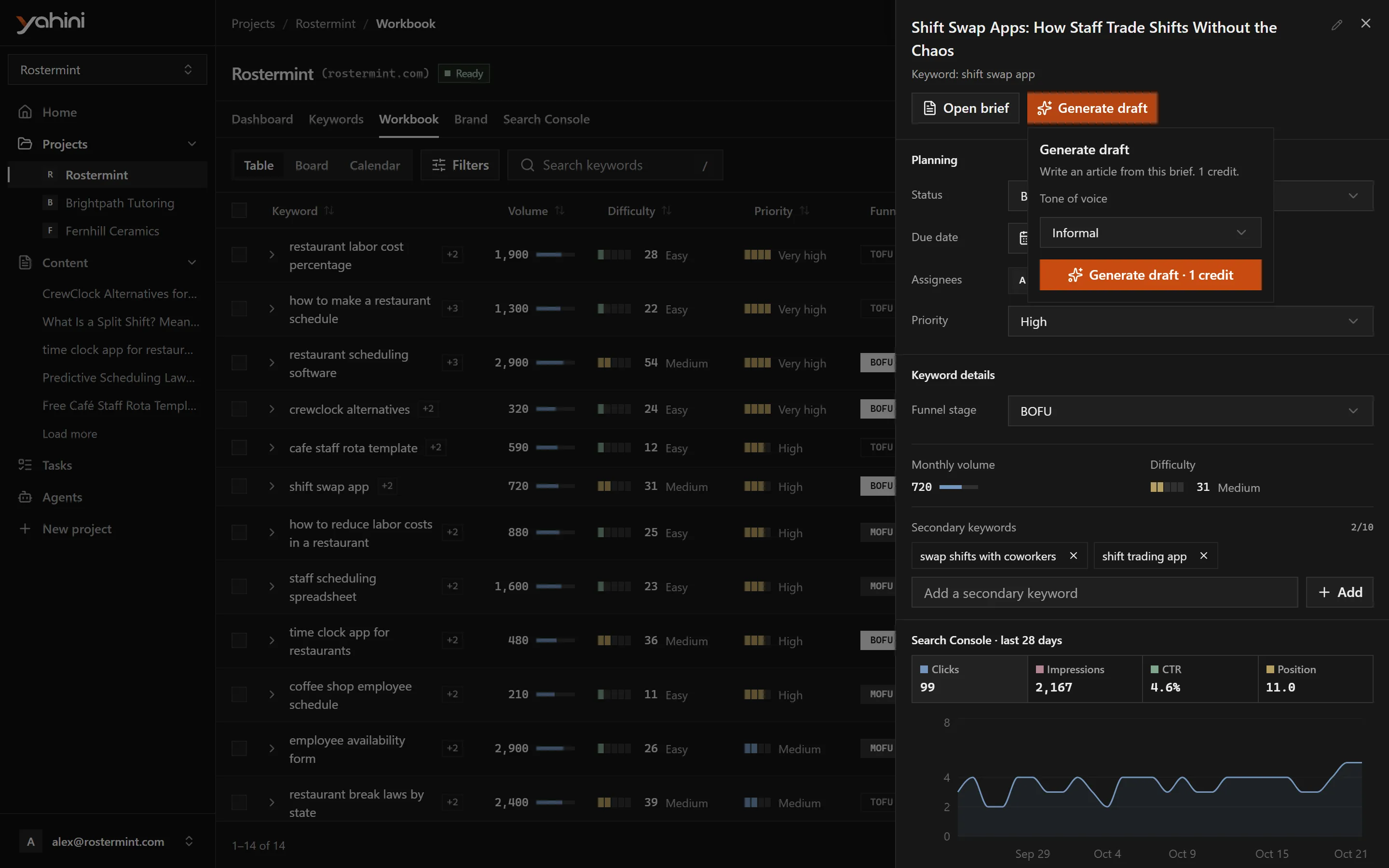
The brief needs a title, a description and a word count before a draft can be written. Yahini fills these in when it writes the brief.
The document page
Section titled “The document page”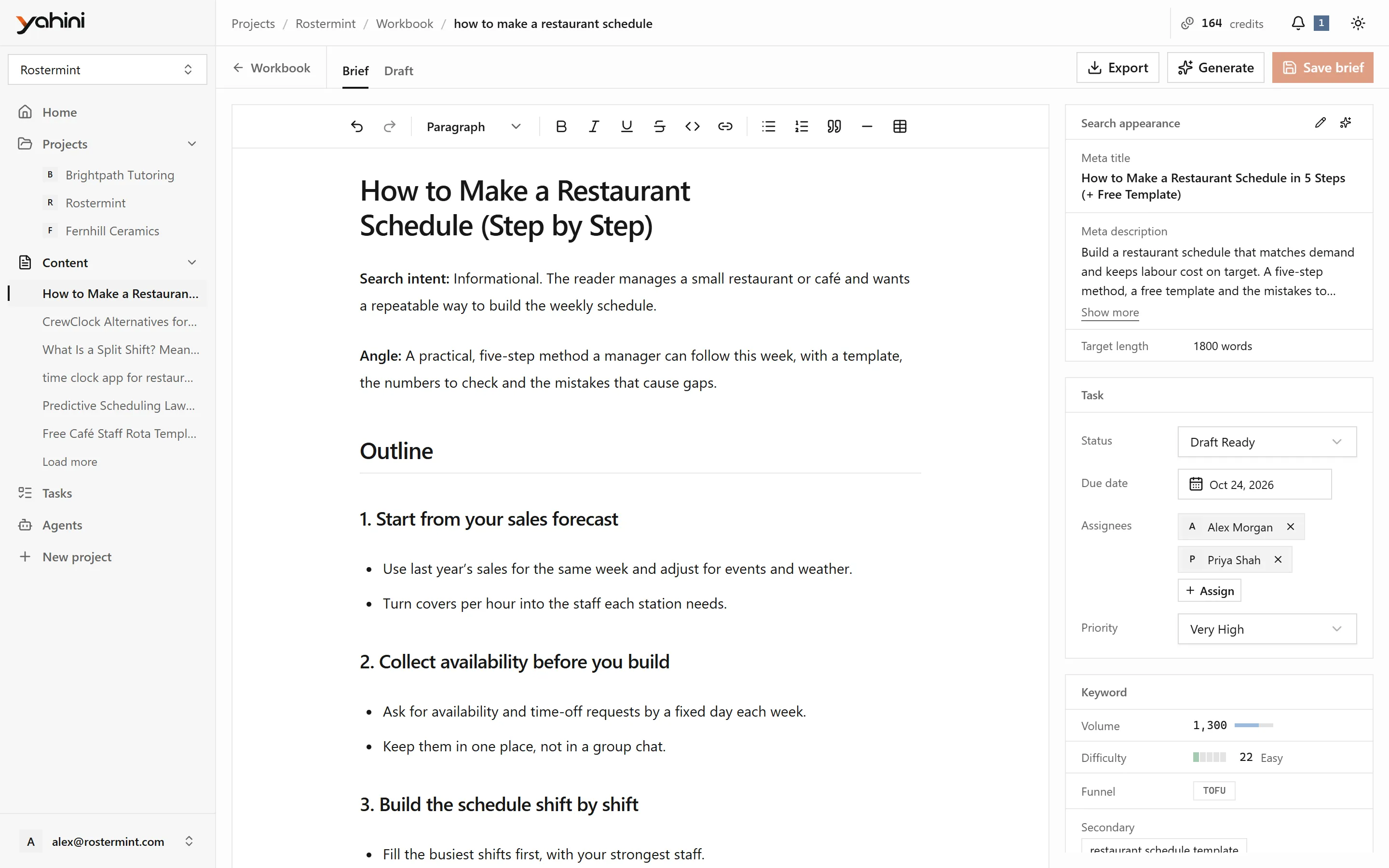
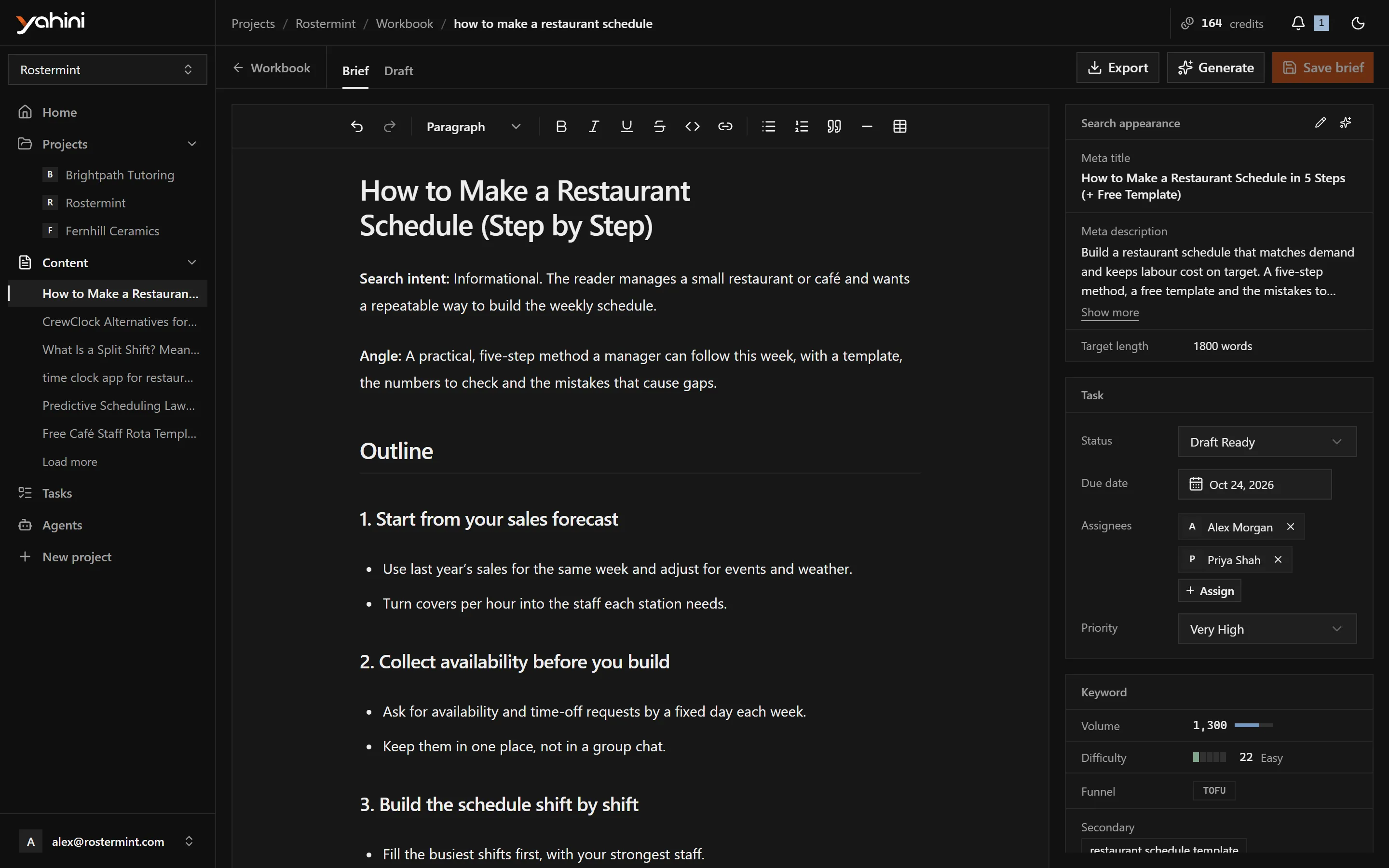
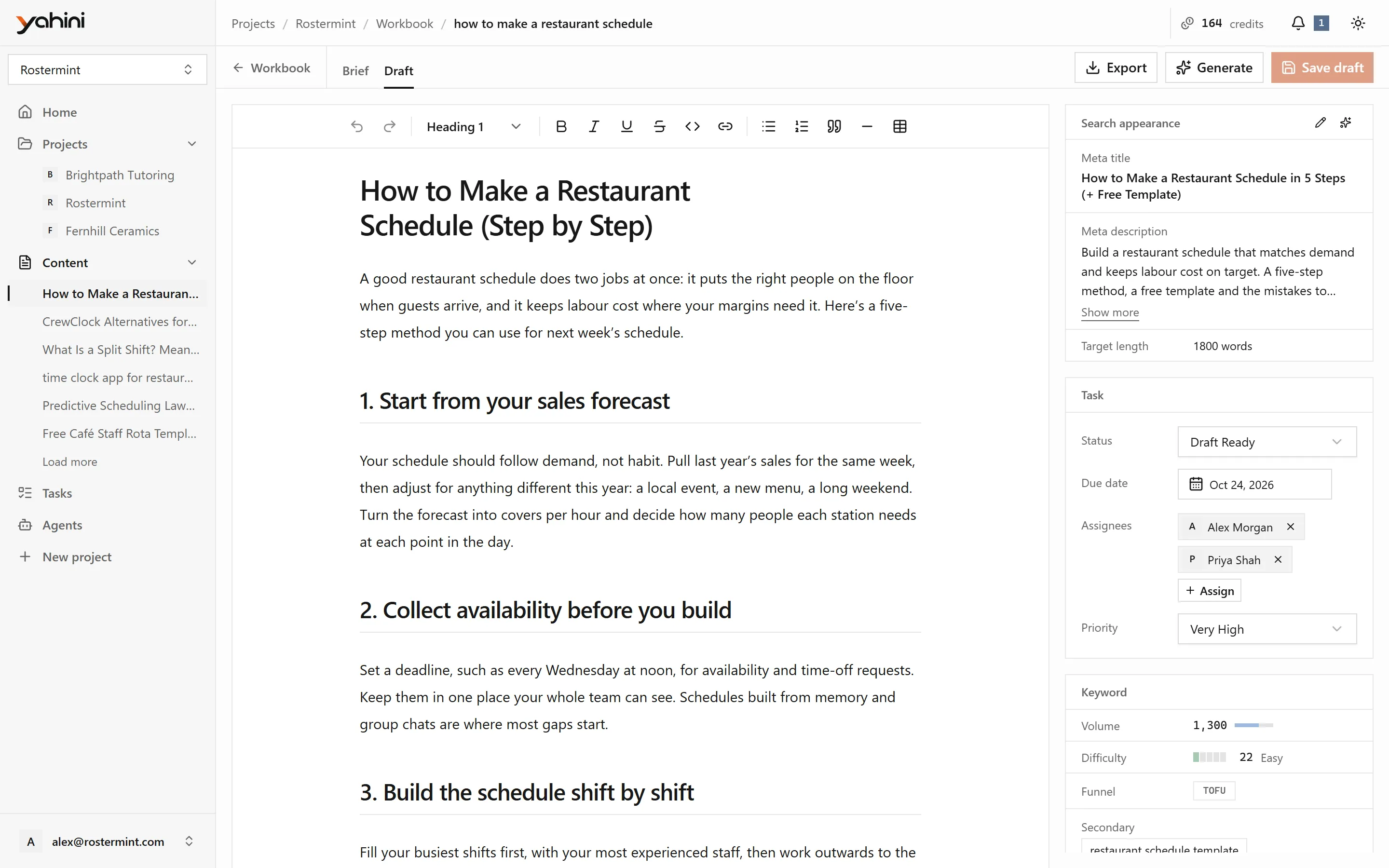
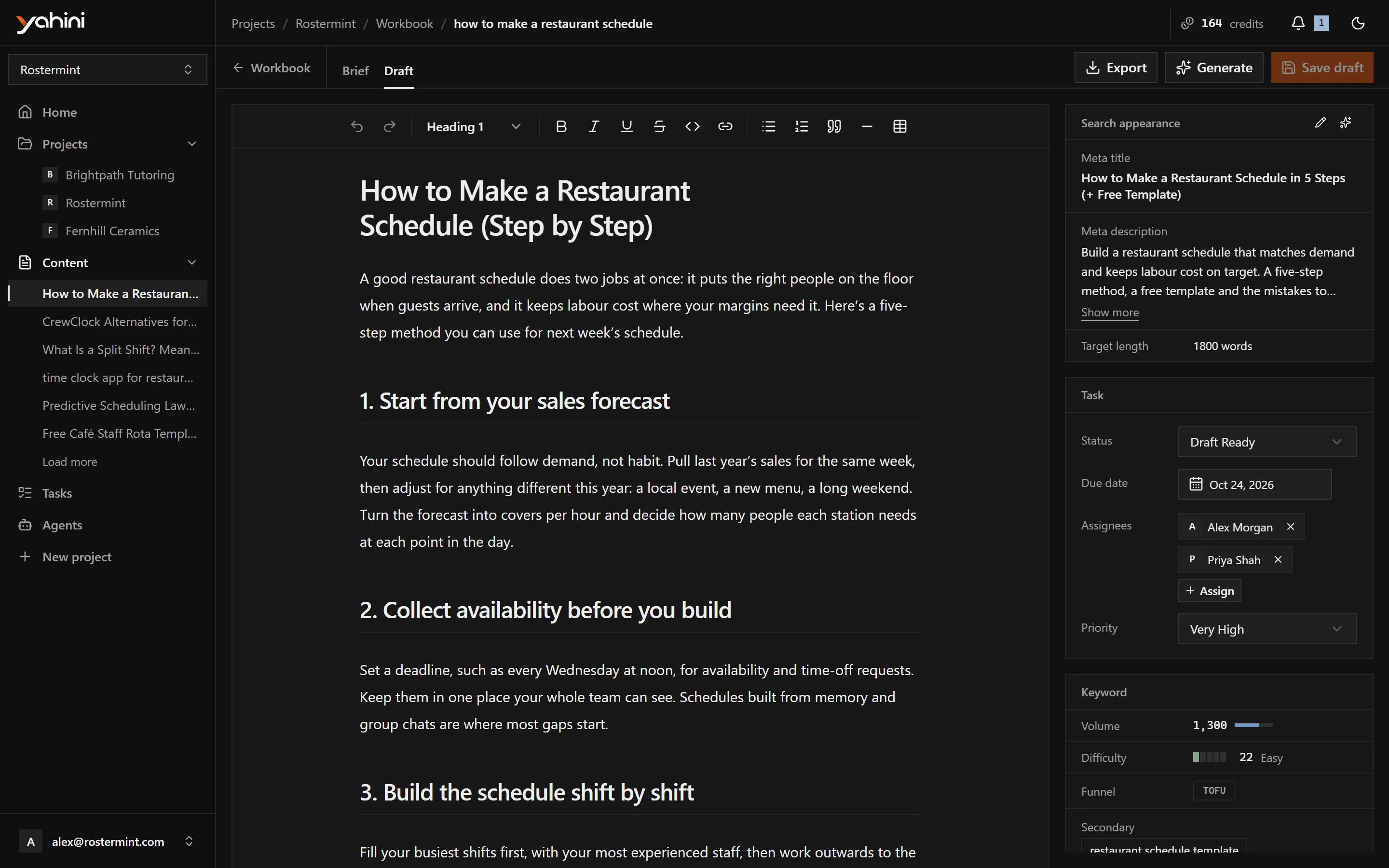
The brief and the draft open on their own page, in two tabs. Beside the document you see:
- Search appearance: the meta title, meta description and target length;
- the task: its status, assignees and due date;
- the keyword: its volume, difficulty, funnel stage and secondary keywords.
Click into the document to change anything. The toolbar has text styles (paragraph and headings), bold, italic, underline, strikethrough, inline code, lists, links, tables and dividers, plus undo and redo. Choose Save or press Ctrl+S. If you leave with unsaved edits, the page warns you.
Regenerate with instructions
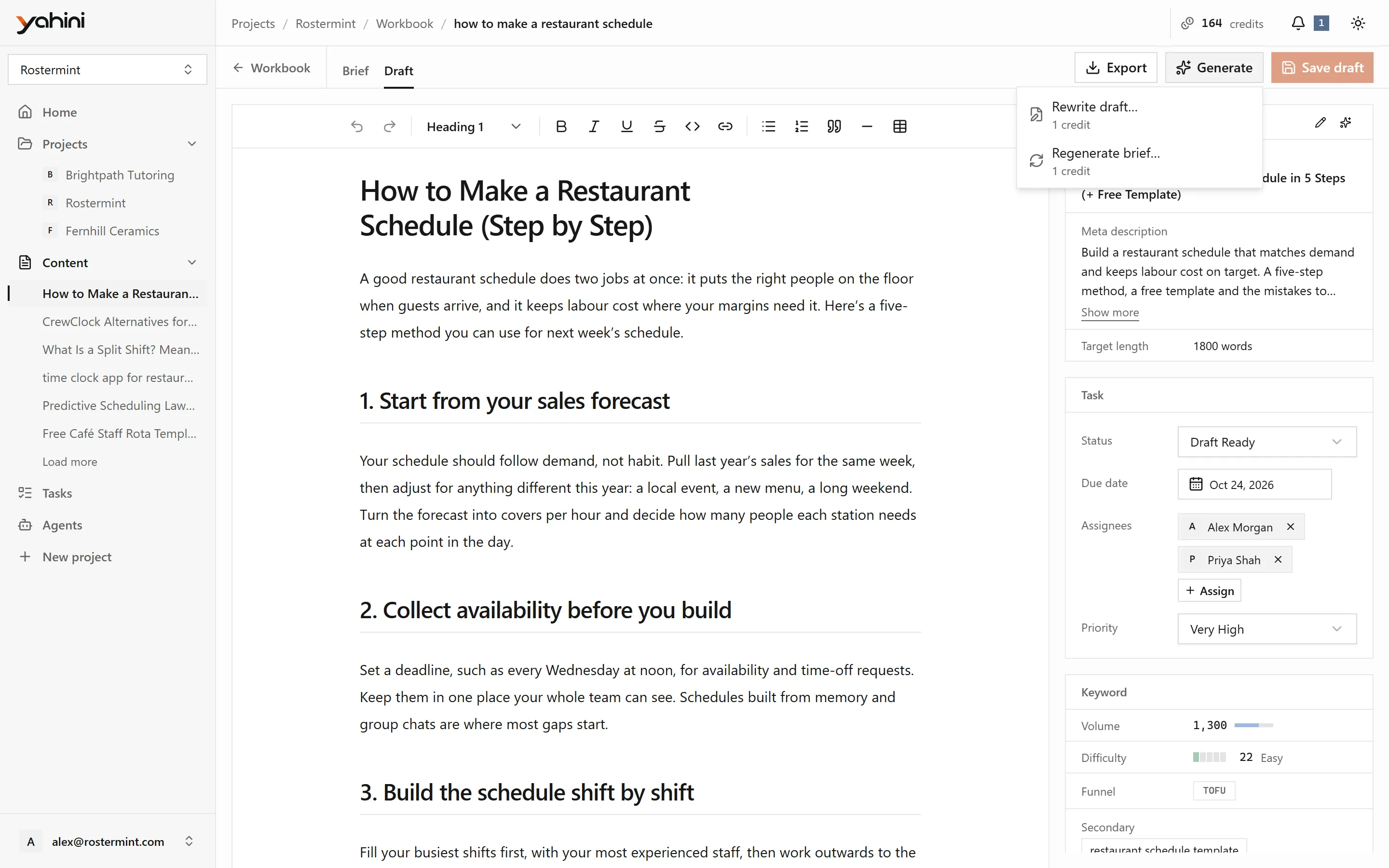
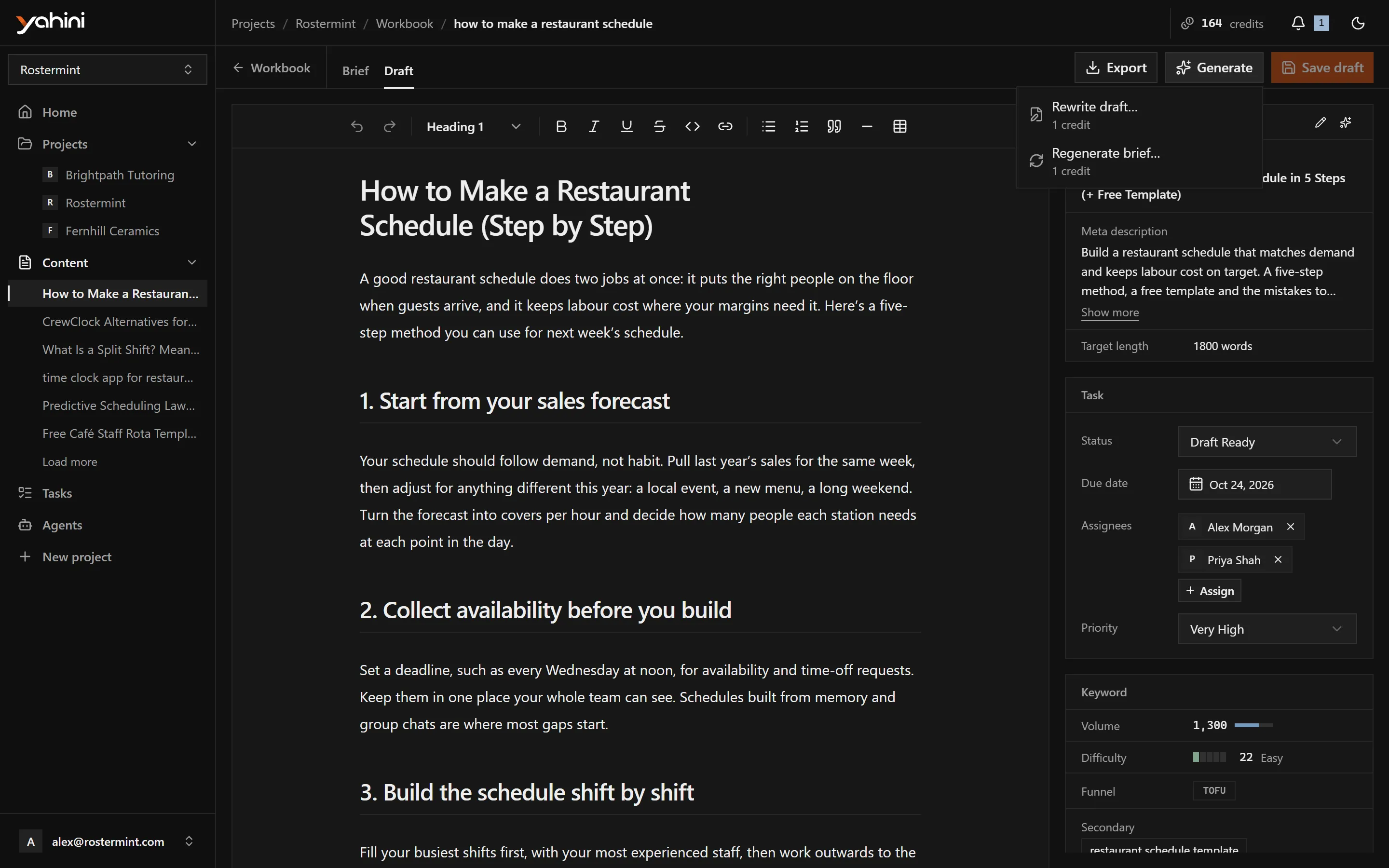
Section titled “Regenerate with instructions”The Generate menu on the document page offers:
- Write draft or Rewrite draft: describe what to change and Yahini rewrites the draft. The brief stays as it is.
- Regenerate brief: describe what to improve and Yahini rewrites the brief and its metadata, replacing the current version.
Instructions need at least 200 characters, so Yahini knows what you want. Each regeneration costs 1 credit. Save or discard your own edits first.
Meta title and description
Section titled “Meta title and description”In Search appearance, edit the meta title and description yourself for free. You can also have Yahini rewrite one or both for 1 credit.
Export
Section titled “Export”Export offers:
- Copy to clipboard, formatted for Google Docs or Word;
- Download Word (.docx).
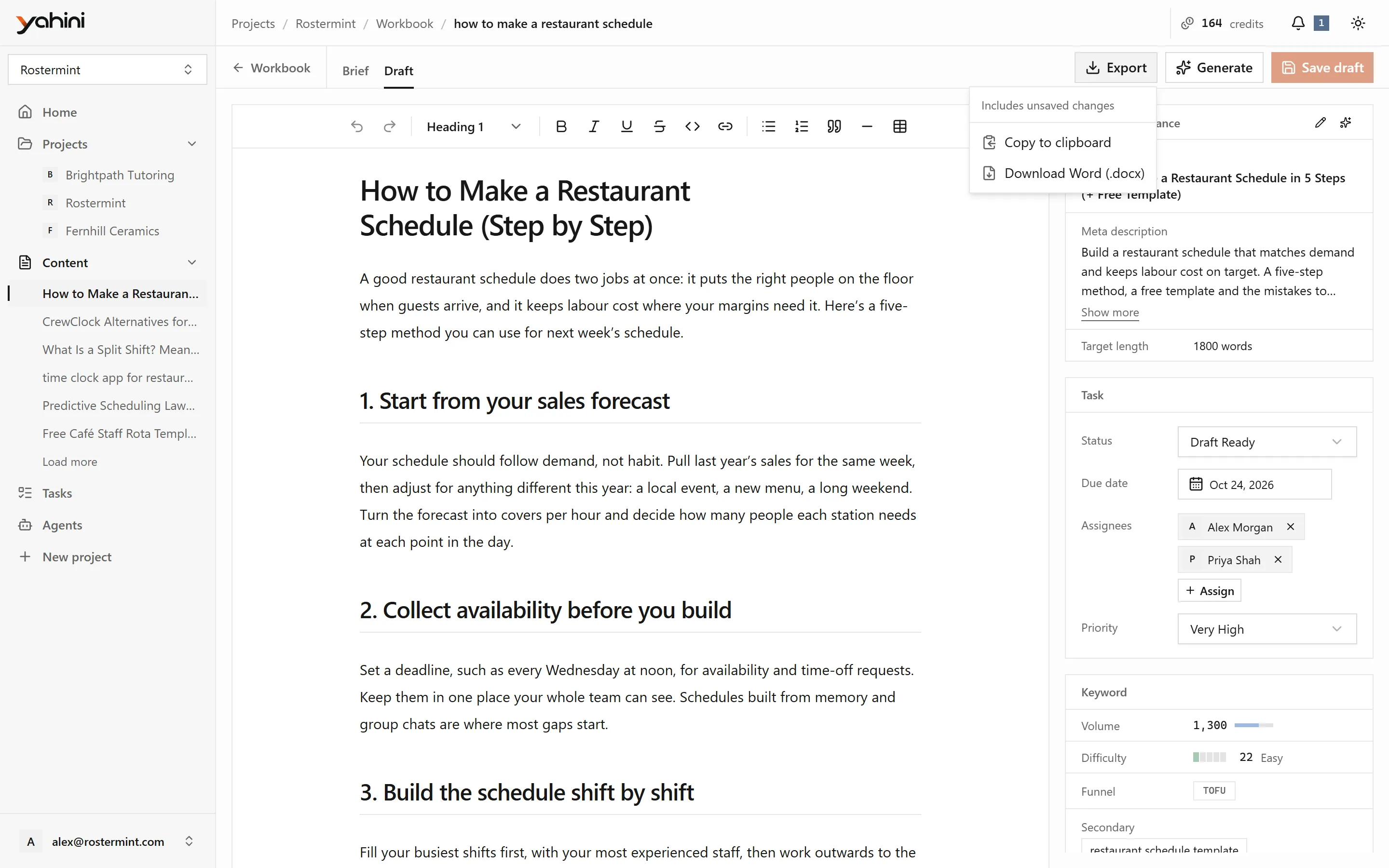
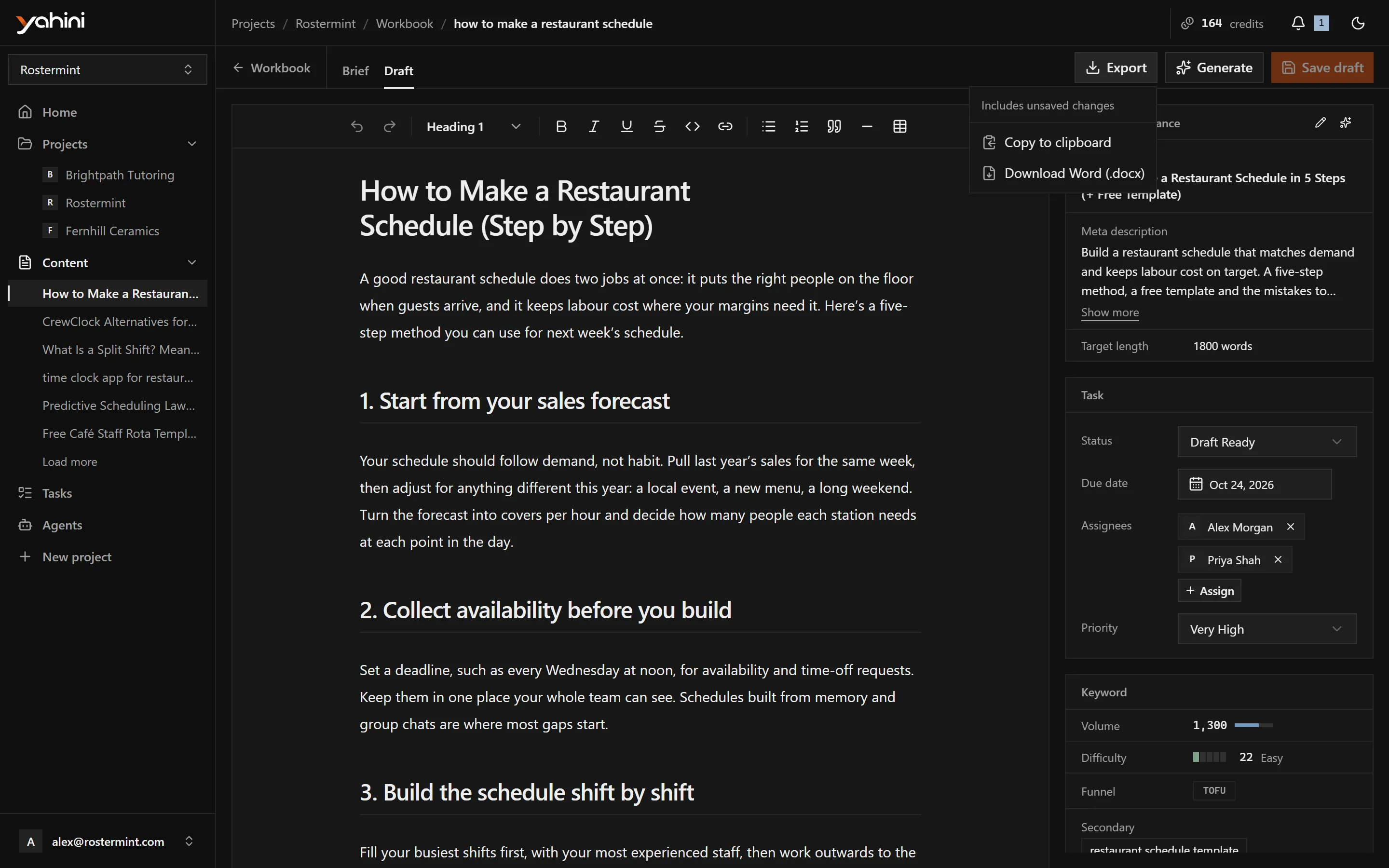
The export starts with a table of the meta title, meta description, primary and secondary keywords and recommended word count. It includes unsaved edits.
All your documents
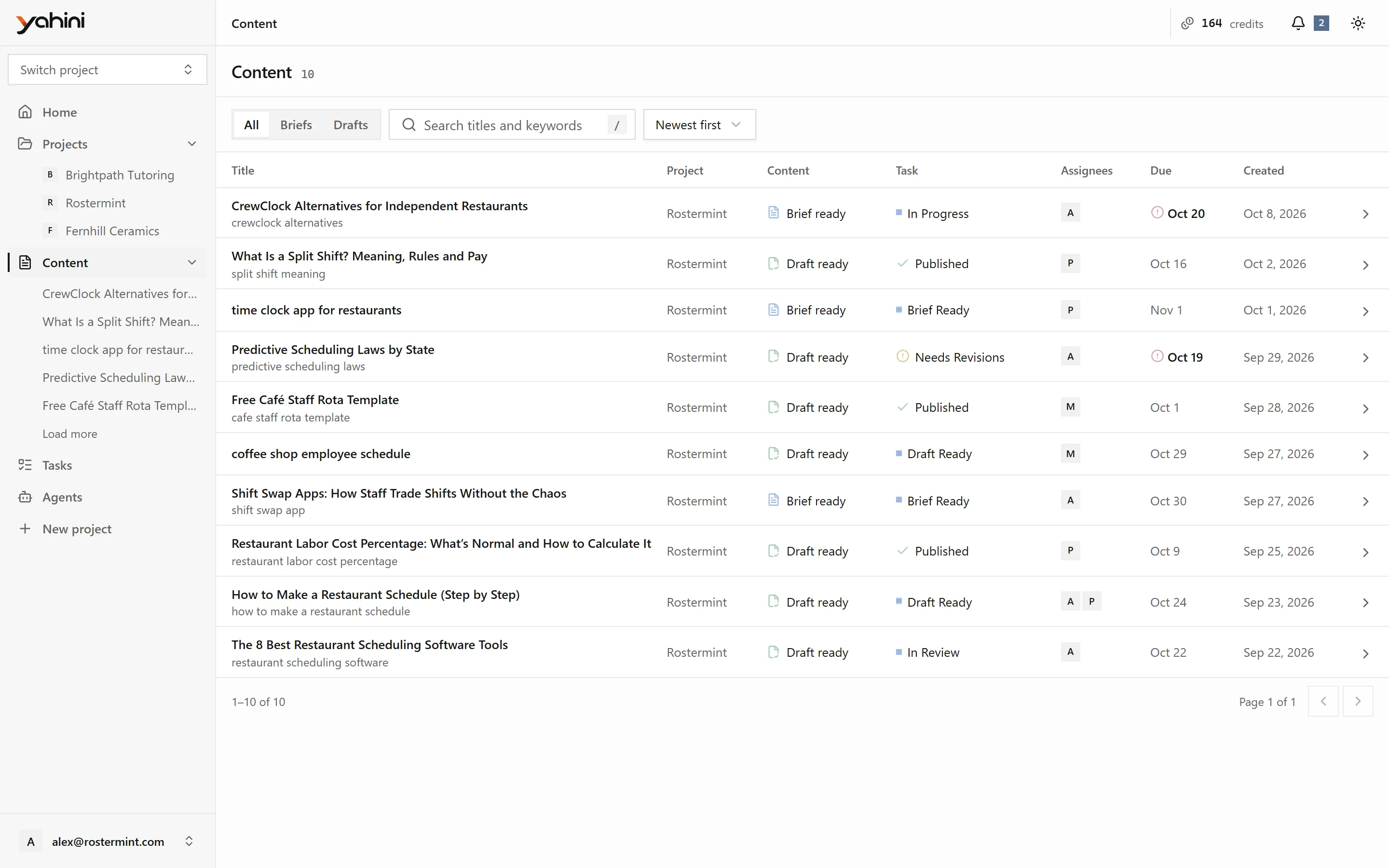
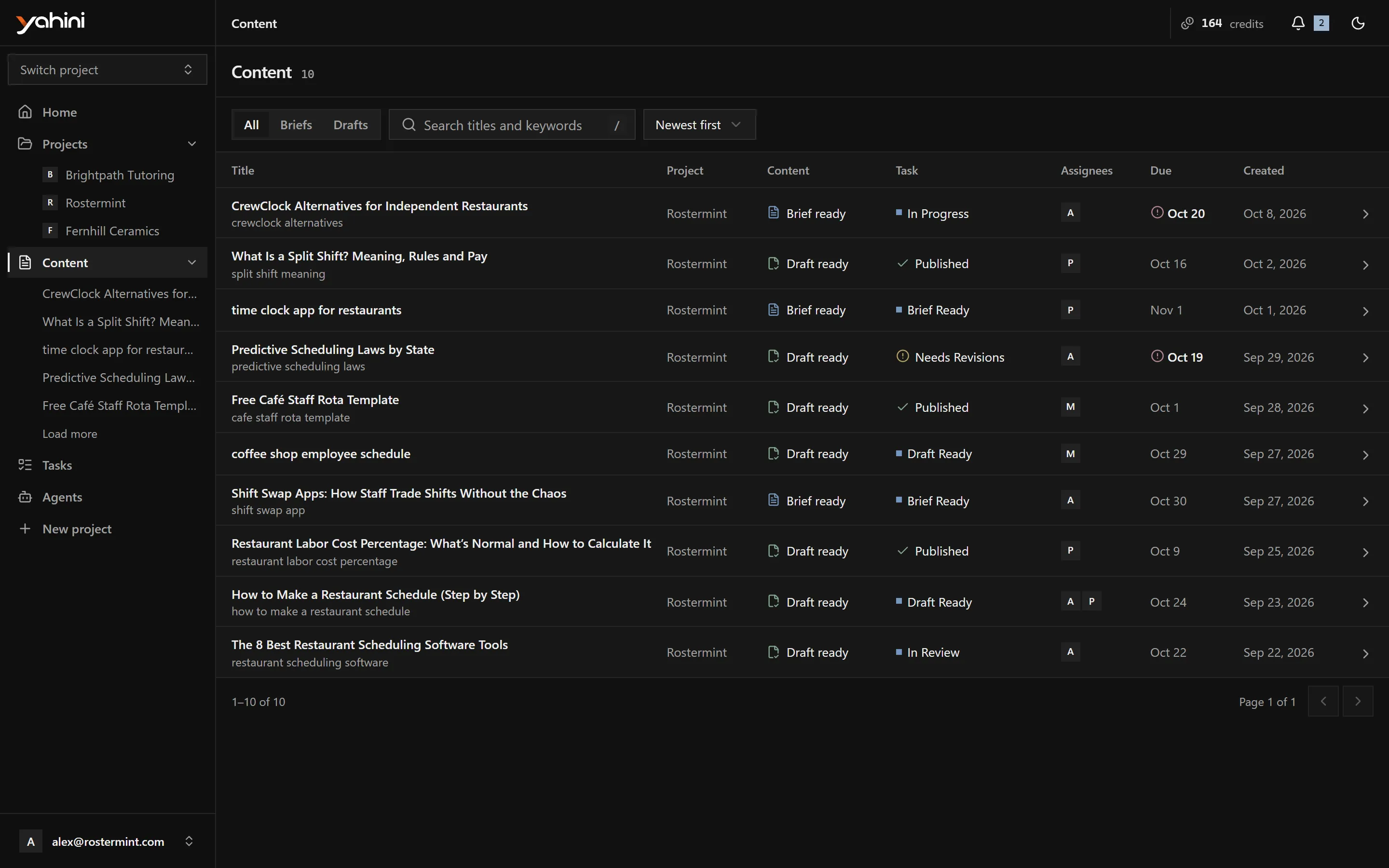
Section titled “All your documents”Content in the sidebar lists every brief and draft across your projects. Filter by Briefs or Drafts, search titles and keywords, and sort by date or title.
Who can generate
Section titled “Who can generate”The project owner and team admins and editors can generate documents. The credits come from the project owner’s balance. See Credits and agents.