

Keyword research
The Keywords tab lists every keyword Yahini found for the project. Your job here is to choose which ones to write about.
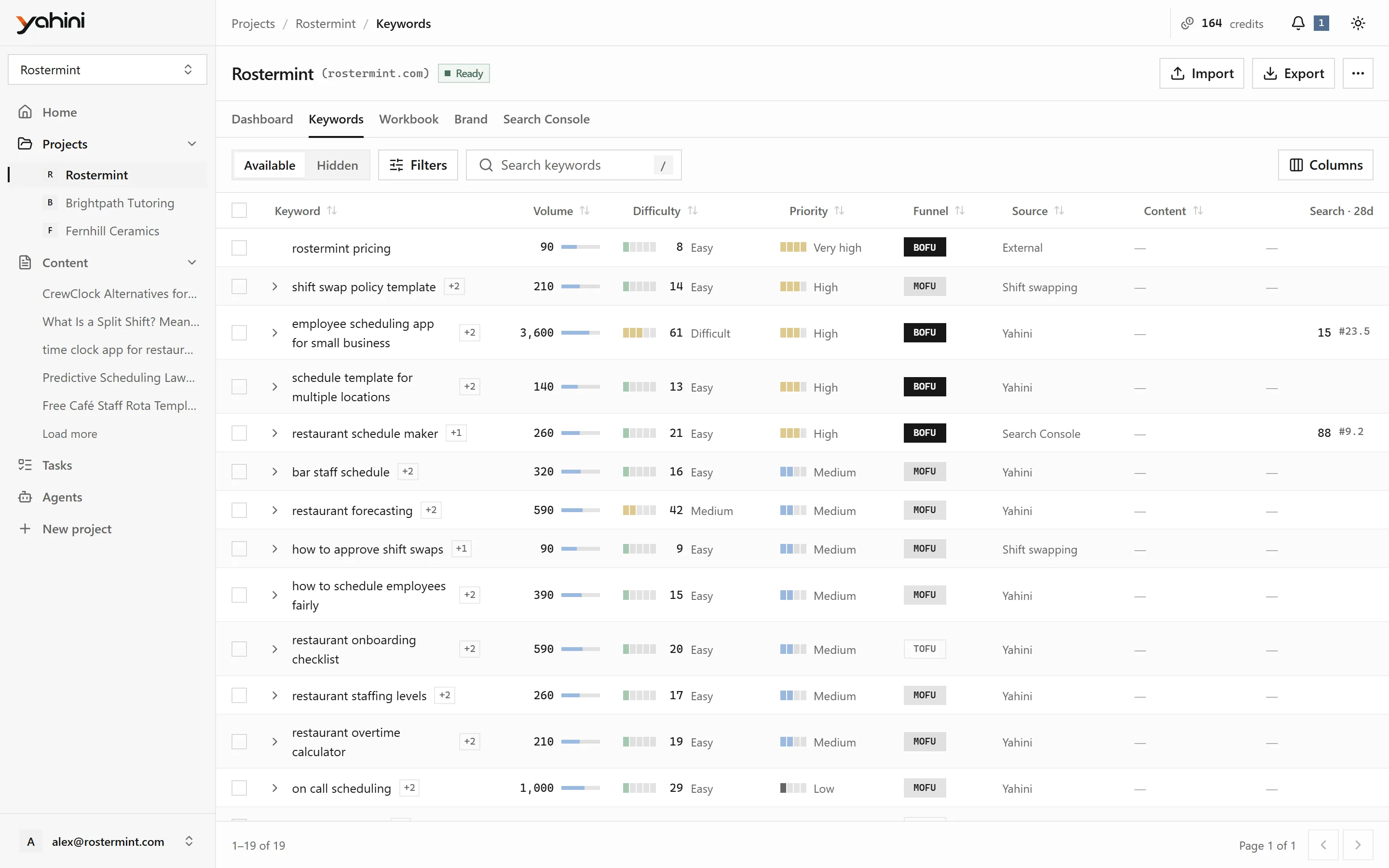
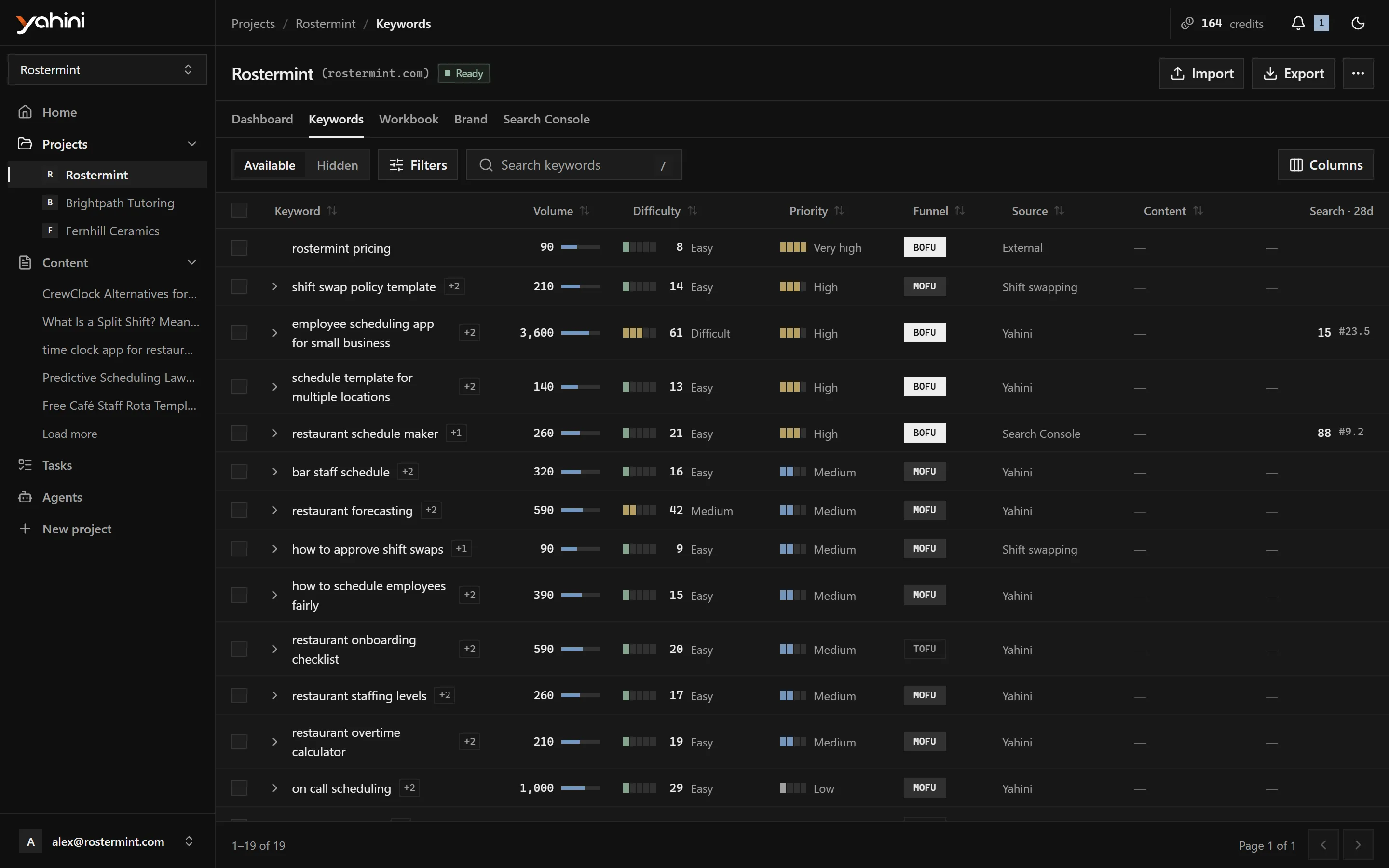
The tab has two views:
- Available: keywords you haven’t added to the workbook or hidden.
- Hidden: keywords you set aside. Select them and choose Unhide to bring them back.
What are the primary & secondary keywords?
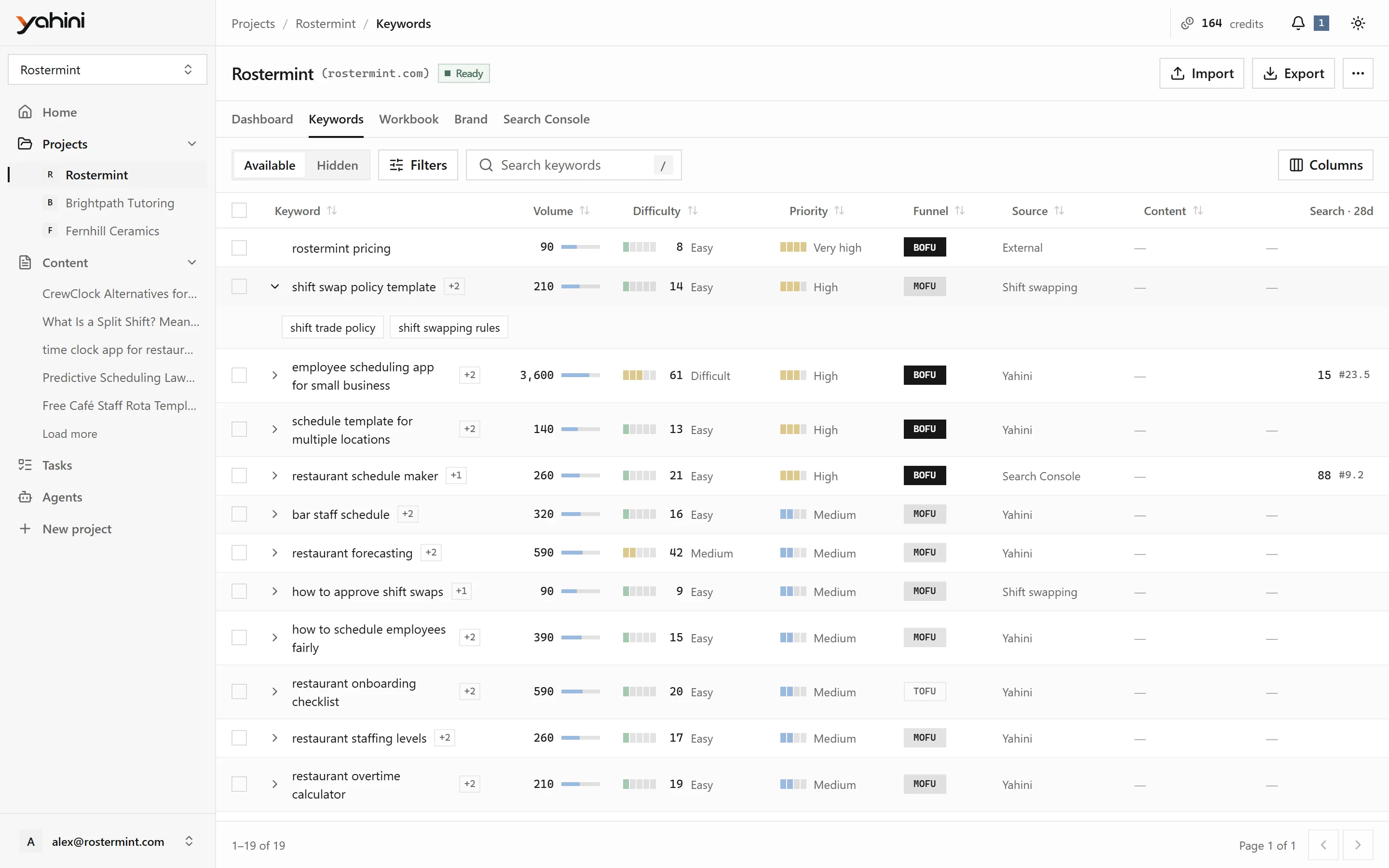
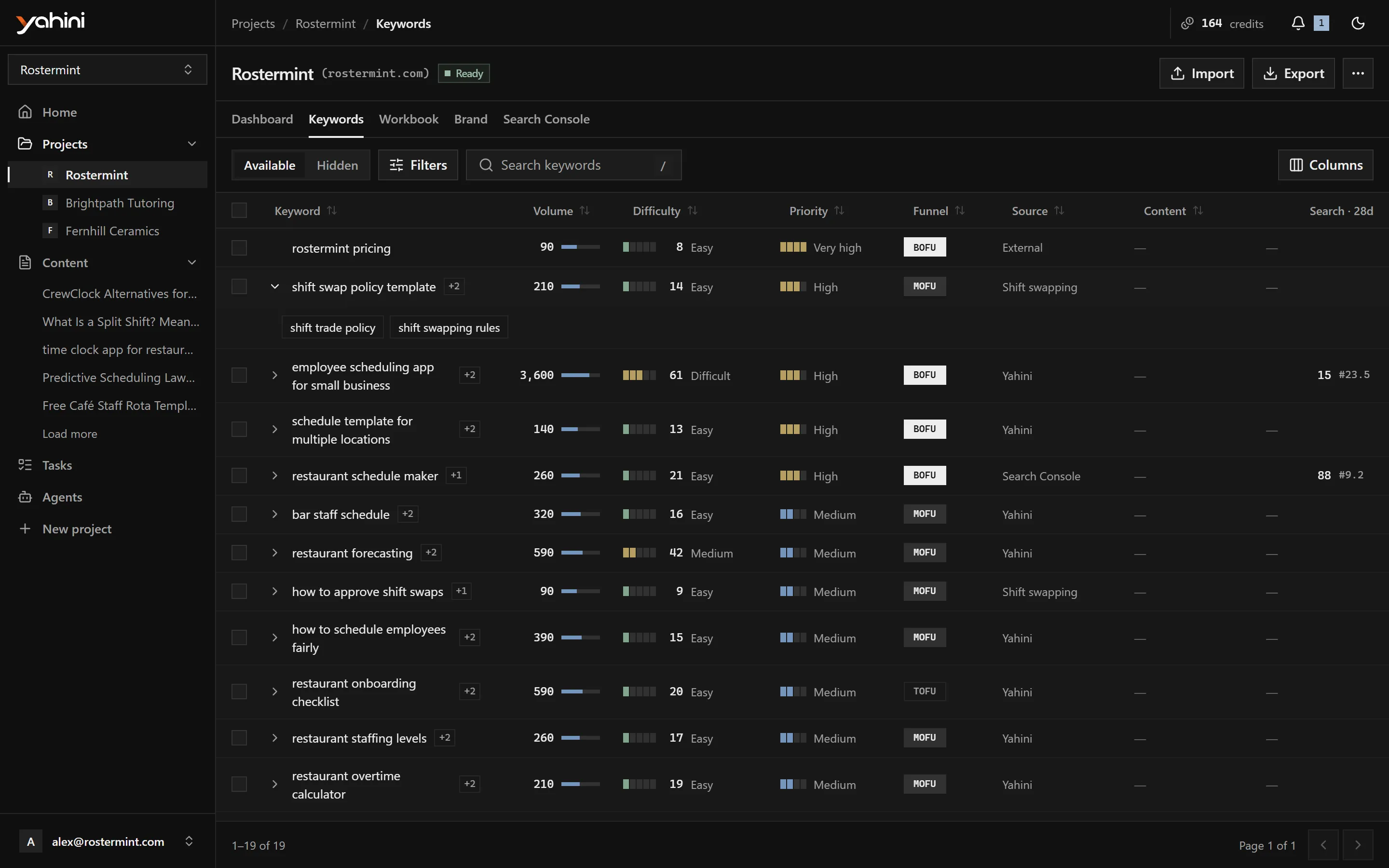
Section titled “What are the primary & secondary keywords?”Each row is a primary keyword: the main search a piece of content targets. Rows with an arrow expand to show secondary keywords. These are related searches with the same intent that you can cover in the same piece, instead of writing a separate page for each.
Yahini groups keywords into these clusters during research. In the workbook you can add or remove secondary keywords for each task.
What is the search volume data?
Section titled “What is the search volume data?”Volume is how many times a month people search for the keyword, on average. Volumes below 10,000 are shown exactly, and higher ones are rounded, such as 12.5K.
In filters, volume is grouped as:
| Band | Monthly searches |
|---|---|
| Low | 0–100 |
| Medium | 101–1,000 |
| High | 1,001–10,000 |
| Very high | 10,000+ |
A low volume isn’t a reason to skip a keyword. Specific, low-volume searches are often easier to rank for and closer to a purchase.
What is Yahini’s keyword difficulty score?
Section titled “What is Yahini’s keyword difficulty score?”Difficulty (KD) is a 0–100 estimate of how hard it is to rank on the first page of Google. It takes into account the strength of the pages that rank now and your own site’s authority.
| Label | Score |
|---|---|
| Easy | 0–30 |
| Medium | 31–60 |
| Difficult | 61–75 |
| Hard | 76–90 |
| Very hard | 91–100 |
New or small sites usually do best with Easy and Medium keywords first.
Priority scoring system
Section titled “Priority scoring system”Priority combines several factors, including volume, difficulty, relevance to your business and funnel stage, into one rating. The higher the priority, the sooner it’s worth targeting.
| Priority | Meaning |
|---|---|
| Very high | Your best opportunities. Start here. |
| High | Strong candidates. |
| Medium | Worth doing once the top keywords are covered. |
| Low | Lower return for now. |
The table is sorted by priority by default. You can change a keyword’s priority yourself.
Funnel stage mapping
Section titled “Funnel stage mapping”The funnel stage says what the searcher wants, so each piece matches where they are:
| Stage | Searcher’s intent | Typical content |
|---|---|---|
| TOFU (top of funnel) | Learning about a problem | Guides, explainers, how-tos |
| MOFU (middle of funnel) | Comparing solutions | Comparisons, lists of options, use cases |
| BOFU (bottom of funnel) | Ready to choose | Product pages, alternatives, pricing, reviews |
The brief and draft are written for the keyword’s funnel stage, so a keyword needs a stage before Yahini can write its brief.
Source
Section titled “Source”The Source column shows where a keyword came from:
- Yahini: the project’s keyword research or competitor keywords.
- A topic name: a topic expansion.
- External: imported from a CSV file.
- Search Console: added from Search Console.
Filter, sort and choose columns
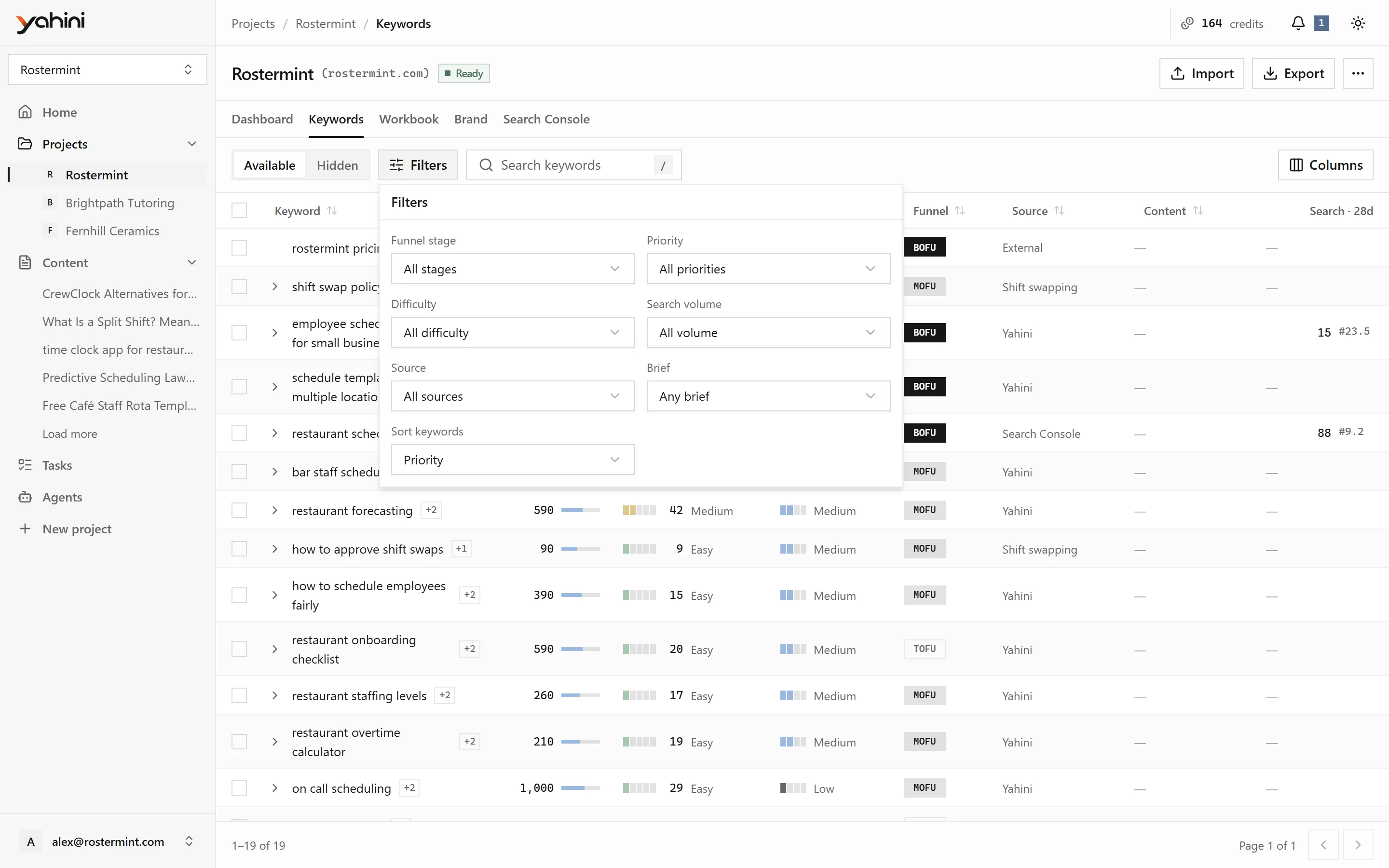
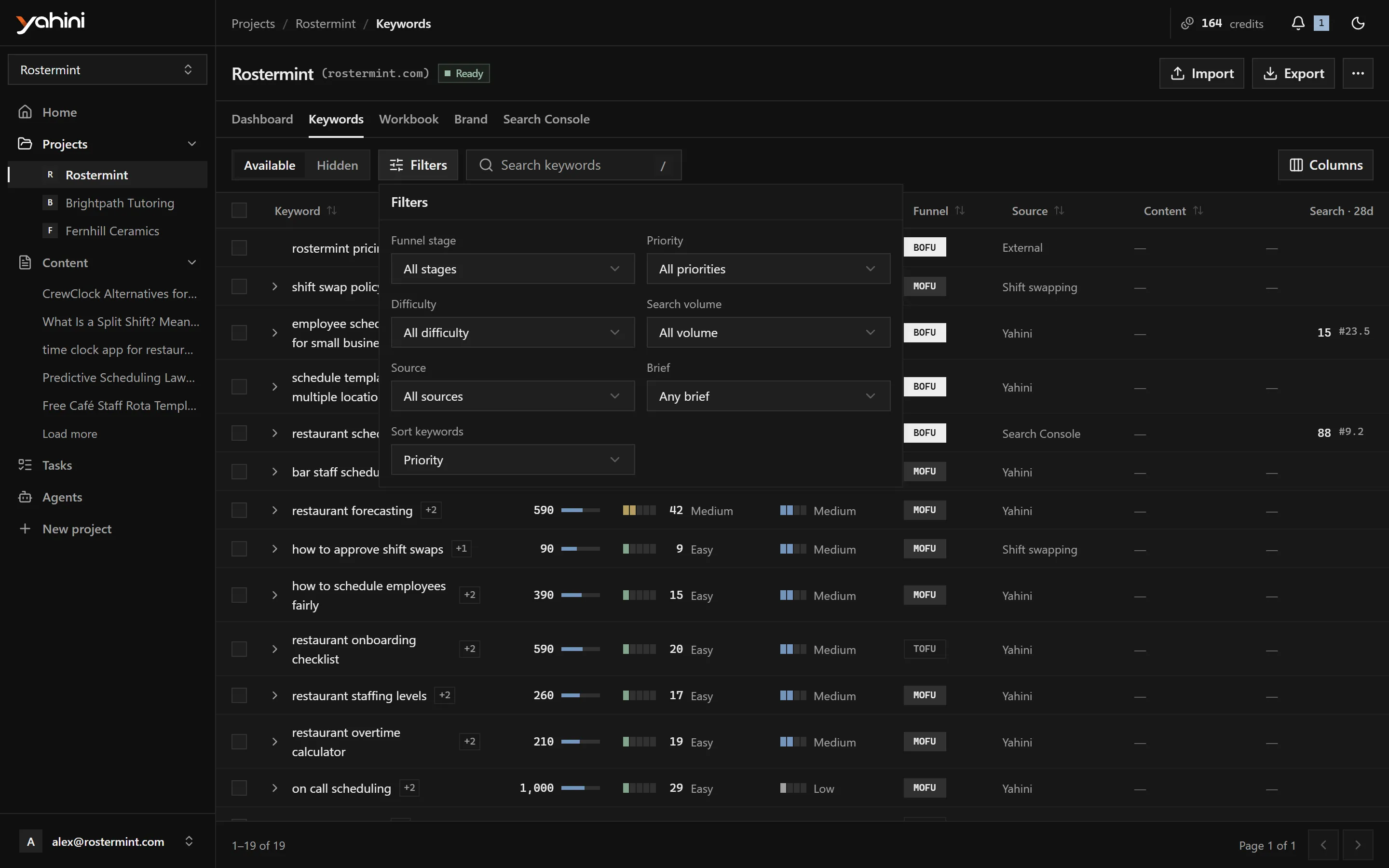
Section titled “Filter, sort and choose columns”- Search finds keywords by text.
- Filters narrows the list by funnel stage, priority, difficulty, volume, source and whether the keyword has a brief.
- Click a column heading to sort. Click again to reverse the order, and a third time to go back to the default.
- Columns shows or hides columns. Yahini remembers your choice.
Pick keywords for the workbook
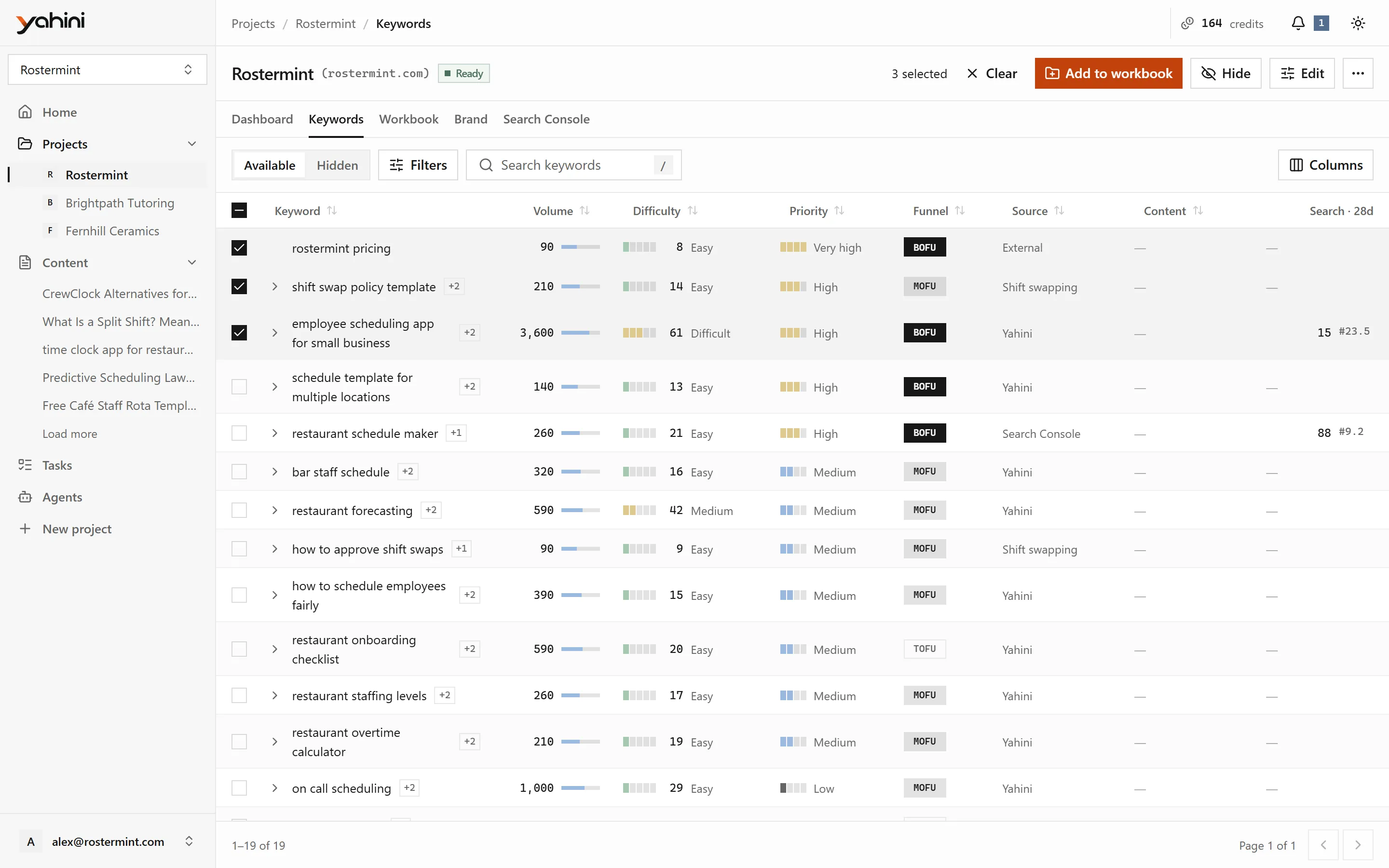
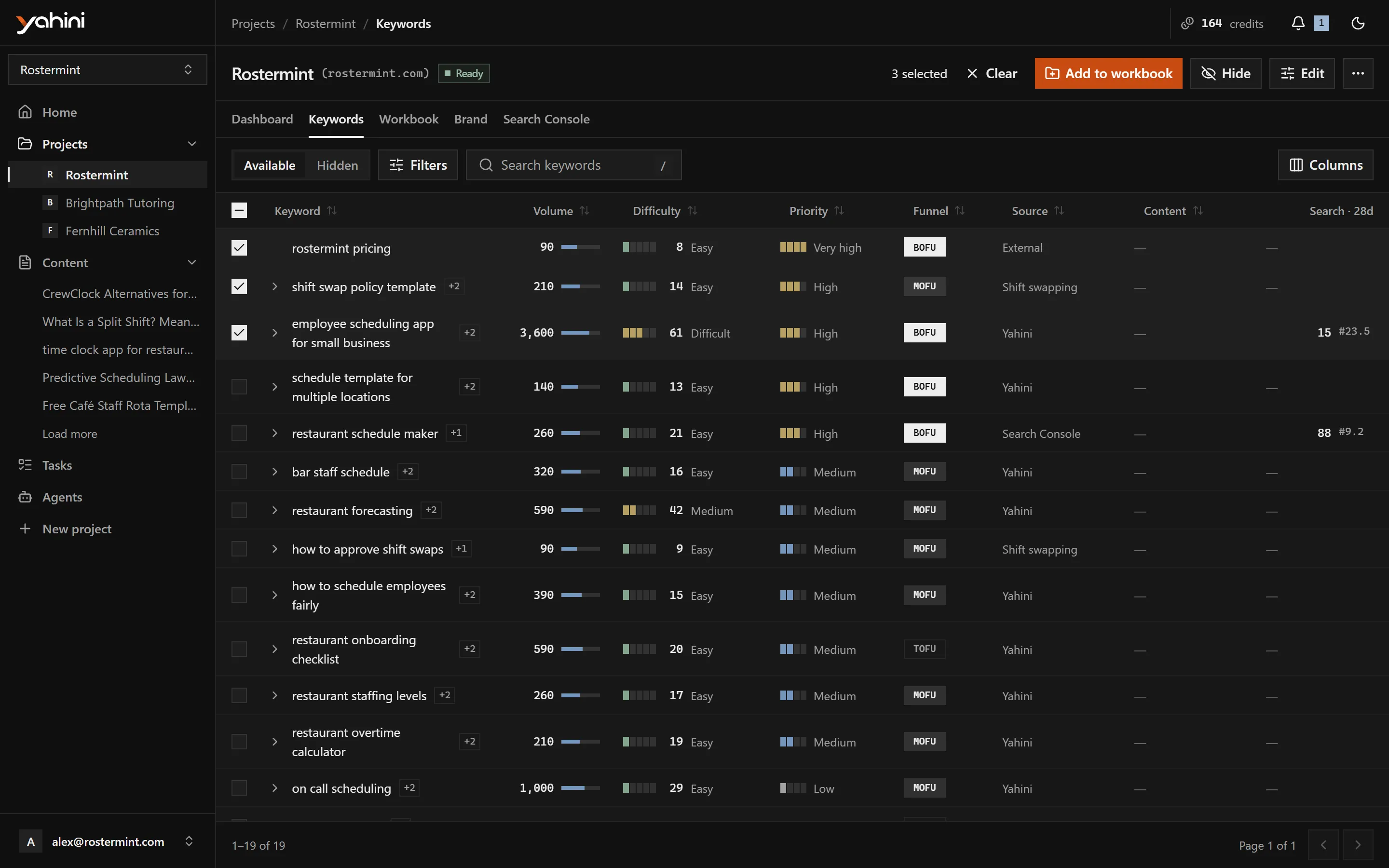
Section titled “Pick keywords for the workbook”- Tick the keywords you want to write about.
- Choose Add to workbook in the page header.
Each keyword you add becomes a task in the workbook. To set keywords aside, choose Hide.
With keywords selected, Edit sets the priority or funnel stage of all of them at once.
Import and export
Section titled “Import and export”- Export downloads every keyword that matches your current filters as a CSV file.
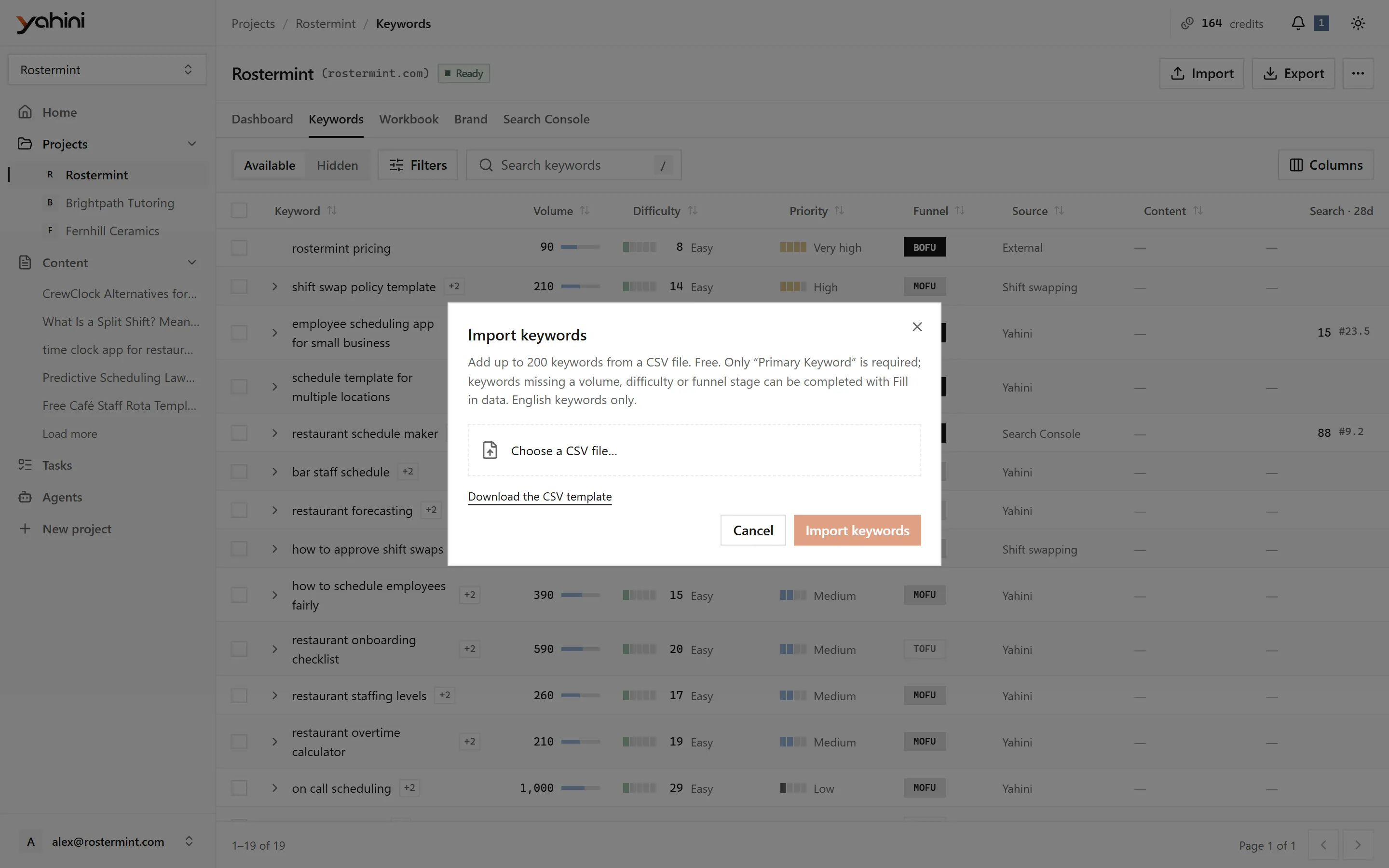
- Import adds your own keywords from a CSV file, up to 200 at a time. Importing is free. Only the Primary Keyword column is required. Download the template from the import dialog, or use an export from another keyword tool: common headings such as
Keyword,VolumeandKDare recognised. Keywords already in the project are skipped. English keywords only.
Fill in missing data
Section titled “Fill in missing data”Imported keywords and keywords from Search Console may not have a volume, difficulty or funnel stage. Select them and choose Fill in. Yahini looks up the missing data for 1 credit per 50 keywords, up to 200 at a time. Only keywords with missing data are charged.
Get more keywords
Section titled “Get more keywords”- Expand topics for a feature or theme your list is missing.
- Get a competitor’s keywords.
- Find my keywords in Search Console.