Track Your Progress
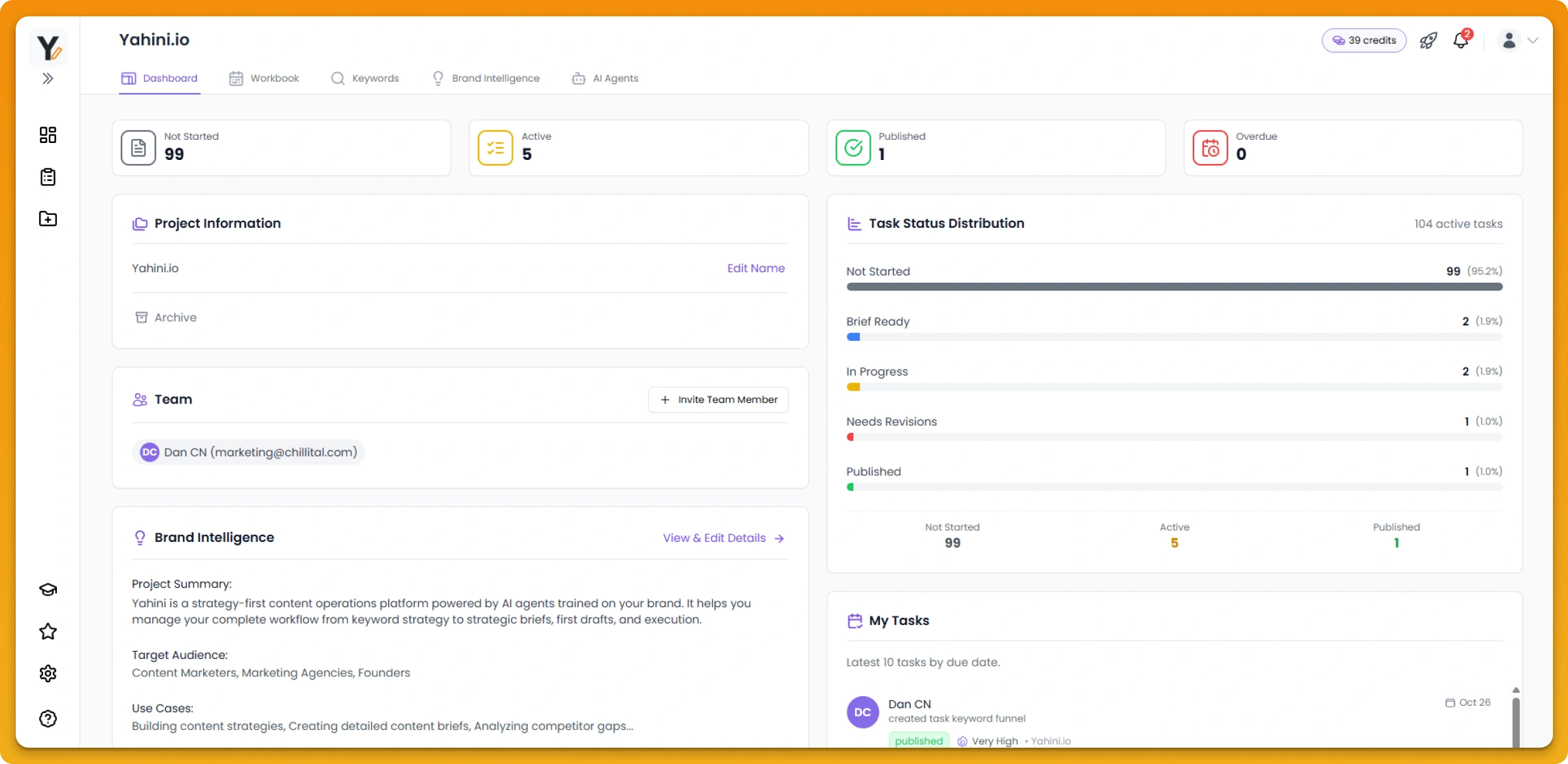
Your command center dashboard
Get a complete overview of your content operations at a glance. The dashboard shows you everything happening across all your projects.
Key metrics you'll see:
- Total projects created – At-a-glance view of all your active content strategies
- Total briefs generated – How many strategic briefs are ready for your team
- Total keywords researched – The full pool of content opportunities Yahini has identified
- Brief status breakdown – Exactly how many are in progress, in review, or published
- Recent activity feed – Latest actions across all projects (new briefs, status updates, assignments)
Track individual project progress
Within each project, you get a detailed view of where every piece of content stands:
- Visual status indicators – See at a glance which briefs are in progress, under review, or published
- Sort and filter – Organize by priority, funnel stage, or alphabetically to match your workflow
- Hide generated briefs toggle – Focus on just the briefs you've selected for active work
Understanding your metrics
Total Keywords – The overall pool of keyword opportunities Yahini has identified based on your site, competitors, and live search data, plus any keywords you've added manually.
Keywords in Workbook – The specific keywords you've selected for active strategy development. This is your focused attack plan.
Generated Briefs – Strategic, SERP-informed briefs ready for your writers. Each one is customized to your brand and designed to help your content stand out.
This breakdown helps you see your exact progress and identify where to focus next—whether you need to generate more briefs, select more keywords, or move completed pieces through your workflow.