Manage Multiple Projects
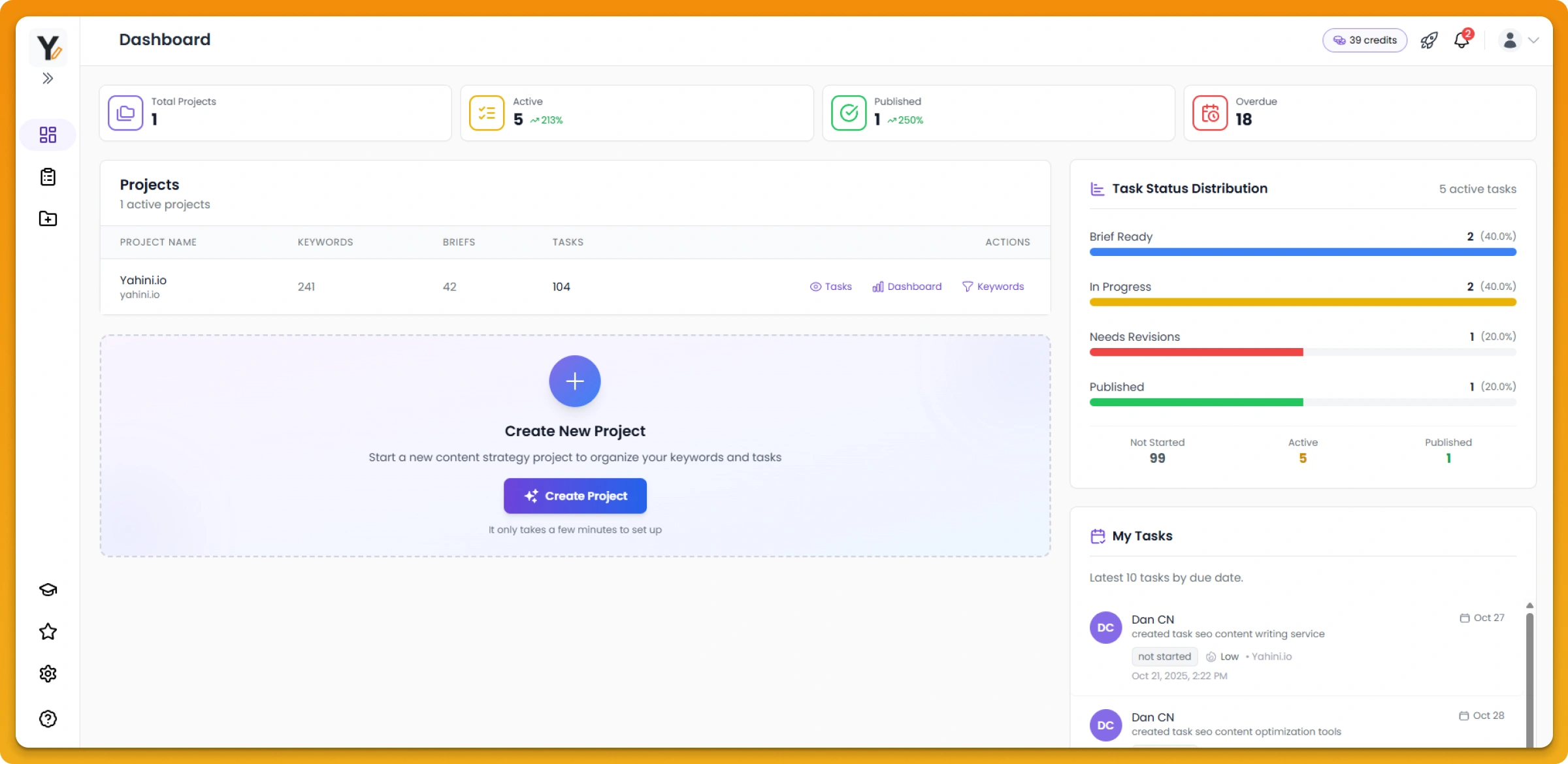
Create separate workspaces
Organize your content strategy by brand, campaign, client, or however makes sense for your team. Each project gets its own dedicated workspace.
Each project includes:
- Independent Brand Intelligence (so each brand/client is understood on its own terms)
- Separate keyword research and strategy
- Its own content calendar and workflow
- Team assignments specific to that project
For agencies: Manage multiple clients
Agencies manage multiple client content strategies within a single Yahini account. Create a workspace for each client and:
- Build unique Brand Intelligence for each client
- Generate client-specific keyword research and briefs
- Manage separate content calendars
- Assign your team members to client-specific work
This keeps client strategies organized, separate, and secure while letting you leverage your expertise across all your clients.
For in-house teams: Organize by initiative
Separate projects work great for managing different product lines, campaigns, or content pillars:
- Product-specific content strategies (Product A, Product B)
- Campaign-focused workspaces (awareness, consideration, conversion)
- Content pillar organization (different topic areas)
Each workspace maintains its own strategy, progress, and team assignments.
Switching between projects
Jump between projects easily from your dashboard. Your dashboard shows all active projects with their key stats, so you can see at a glance which projects need attention.